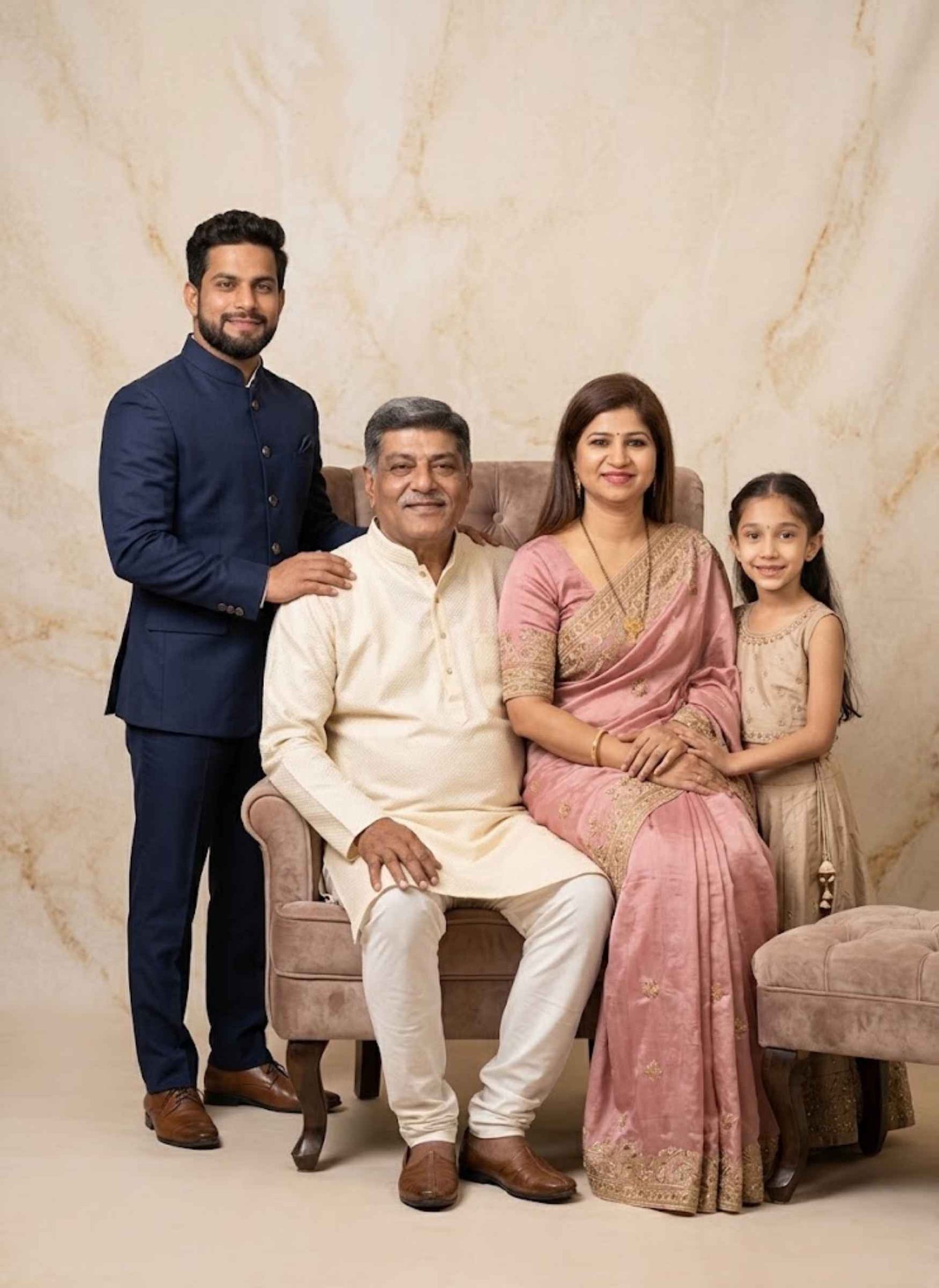
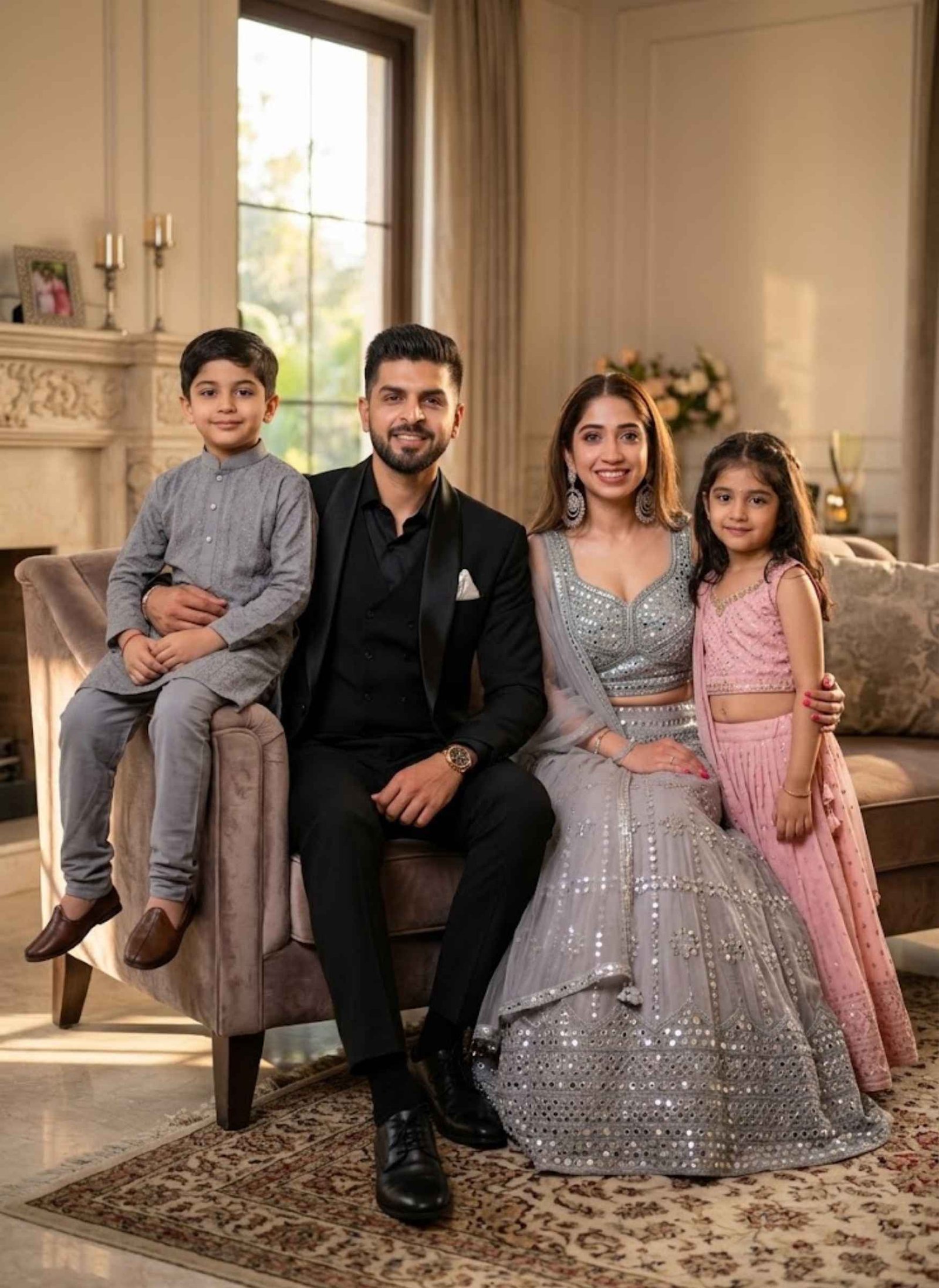
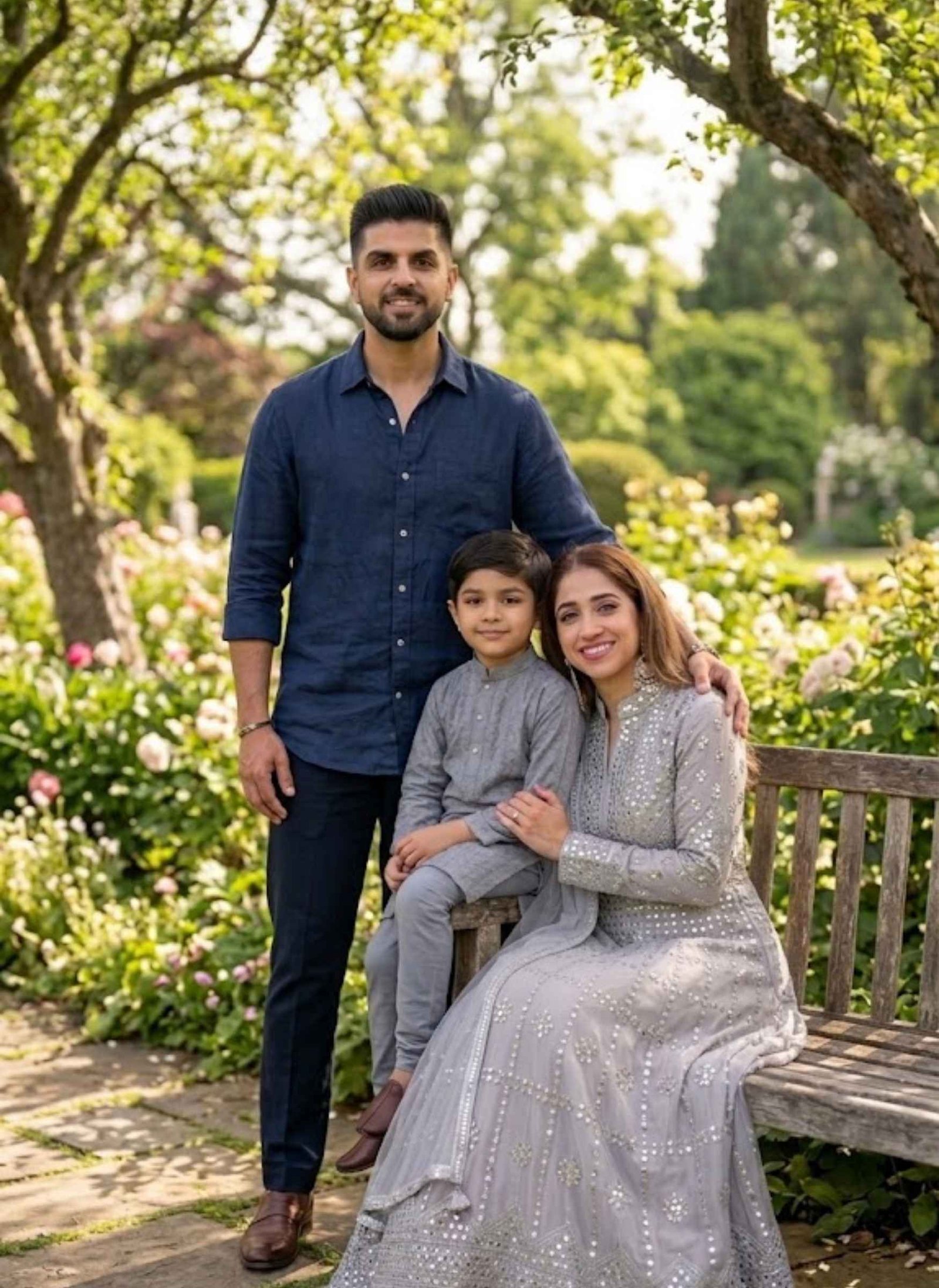
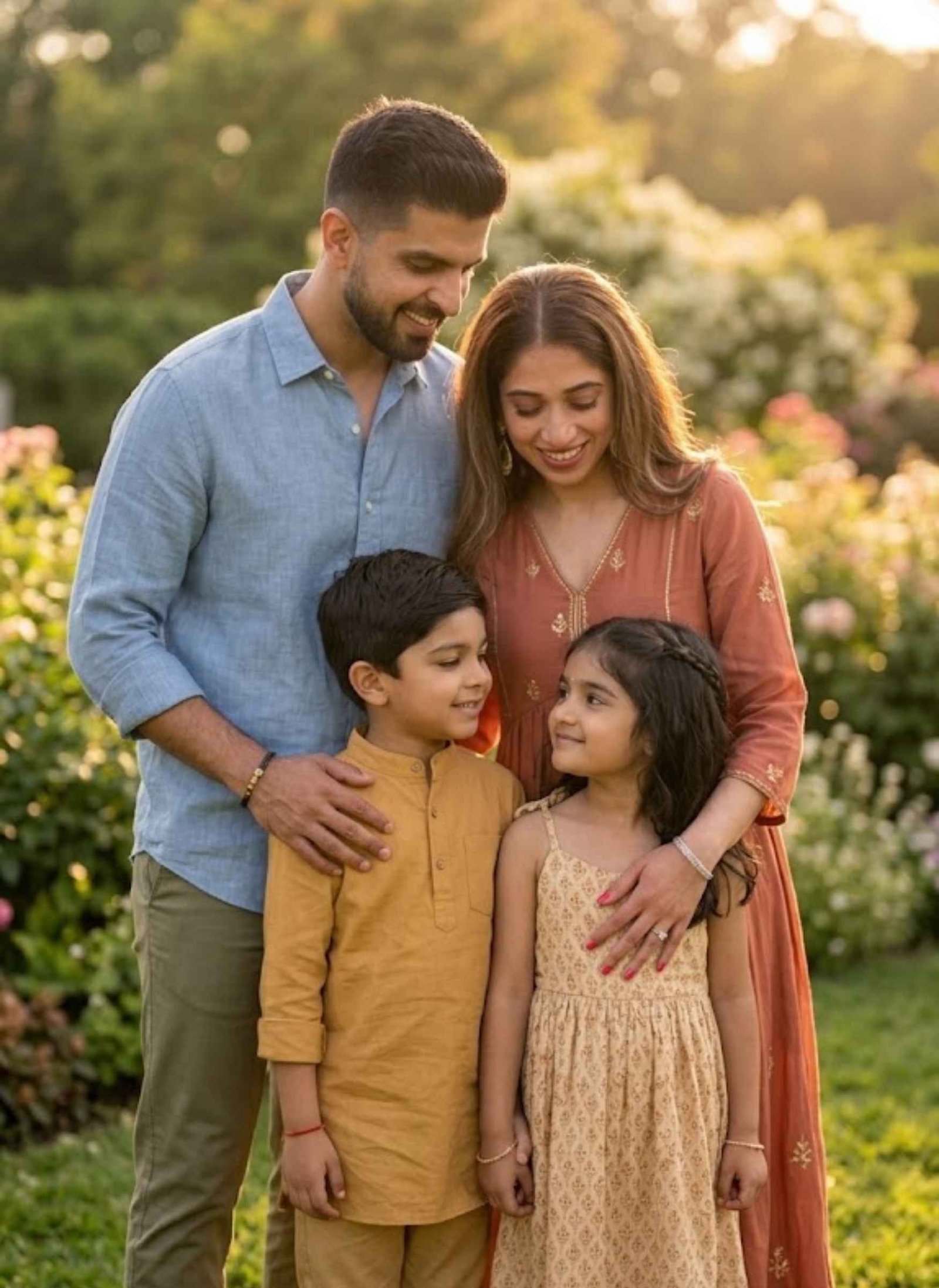
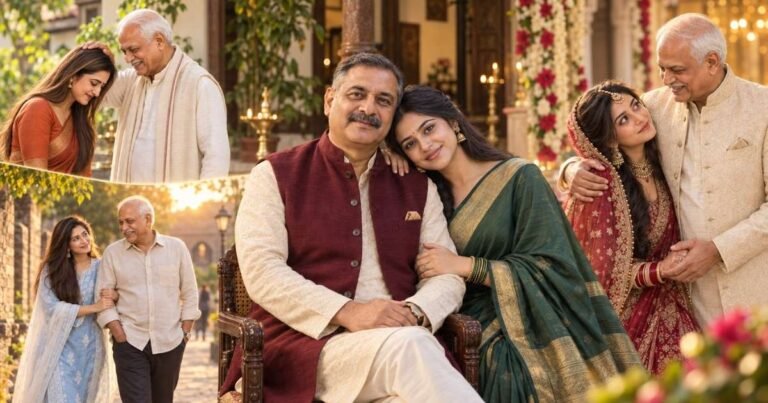
Getting the whole family together for a photo isn’t always easy — someone’s away for work, someone’s studying in another city, and coordinating everyone on the same day rarely works out. A Gemini AI family photo prompt solves this differently: you upload separate photos of each family member, paste a prompt, and Gemini combines them into one realistic family portrait.
Below are ready-to-use prompts for a few different styles — studio portraits, outdoor settings, photos with a baby, and father-son or mother-daughter combinations. Copy the one that fits, paste it into Gemini, and upload the photos it asks for.
Gemini AI Family Photo Prompts
Explore ready-to-use Gemini AI family photo prompts for creating realistic family portraits. Whether you want a professional studio photo, an outdoor family picture, a photo with a baby, or a special father-son or mother-daughter portrait, you can copy a prompt below and customize it with your family photos.
Gemini AI Family Photo Prompt – Studio Portrait
Prompt 1
Create a highly realistic professional family portrait using all uploaded family photos as individual identity references. Carefully preserve each person’s recognizable facial features, face shape, skin tone, hairstyle, age appearance, and natural body proportions. Do not merge, replace, or alter their identities.Bring all family members together in one elegant professional photography studio. Arrange the parents naturally in the center, with children positioned comfortably beside or slightly in front of them according to their age and height. Everyone should look naturally connected as a real family.Dress the family in coordinated elegant outfits with complementary neutral and soft colors. Keep clothing realistic and age-appropriate.Use a clean luxury studio background with subtle beige and warm cream tones. Add soft professional portrait lighting from the front and sides, gentle shadows, realistic skin texture, natural facial expressions, and subtle depth of field.The final image should look like an authentic professional family photoshoot captured with a high-end full-frame DSLR, 85mm portrait lens, realistic proportions, detailed clothing textures, natural skin, balanced exposure, and premium photorealistic quality.Make sure there are exactly the same number of people represented by the uploaded reference photos. No extra people, duplicate faces, distorted hands, extra fingers, unnatural body proportions, text, watermark, or artificial-looking faces.
Prompt 2
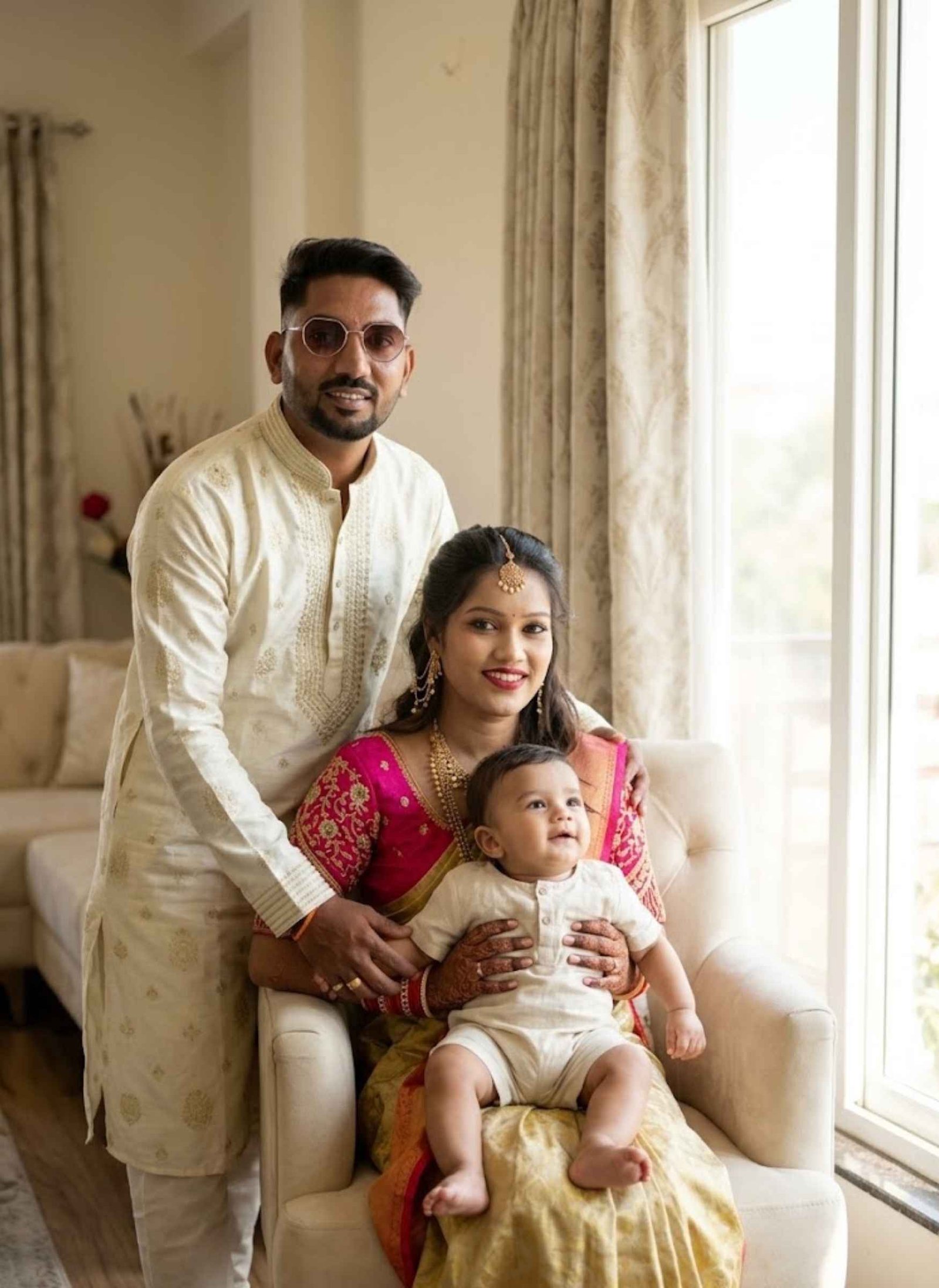
Use the uploaded photographs of the family members as strict visual references and combine them into one realistic group portrait. Preserve every person’s individual identity, including facial structure, eyes, nose, lips, skin tone, hairstyle, age, and recognizable characteristics. Each person must remain clearly distinguishable from the others.Create a sophisticated indoor family photoshoot inside an elegant luxury living room. Place the father and mother naturally together while the children sit or stand closely around them in a warm family arrangement. Give everyone relaxed expressions and subtle natural smiles.Style the family in refined traditional or semi-formal clothing with coordinated colors and realistic fabric details. Keep each person’s age and physical proportions believable.Use warm window light mixed with soft indoor illumination. Add a tasteful interior with neutral walls, elegant furniture, subtle decorative elements, and a softly blurred background.Capture the scene as a premium professional portrait with realistic skin pores, individual hair strands, natural shadows, accurate anatomy, shallow depth of field, high dynamic range, and detailed DSLR-quality photography.Keep the composition natural and emotionally warm. Exactly reproduce the number of people provided in the uploaded references. No additional people, duplicate faces, facial distortion, unnatural hands, plastic skin, cartoon effects, text, or watermark.
Gemini AI Family Photo Prompt – Outdoor Setting
Prompt 1
Combine the uploaded family photographs into one ultra-realistic outdoor family portrait while preserving each person’s exact recognizable identity. Use every uploaded image as a separate facial and appearance reference. Keep facial features, skin tones, hairstyles, ages, and natural body proportions consistent with the original photographs.Place the entire family together in a beautiful green outdoor location such as a peaceful garden or park. Arrange them naturally as if they were photographed together on the same day. Parents should remain close to the children, with everyone positioned comfortably and naturally.Use casual yet coordinated clothing in soft, natural colors. Preserve realistic clothing textures and age-appropriate styling.Create soft natural daylight filtering through trees, with subtle sunlight highlights and realistic environmental shadows. Use a gently blurred background containing green foliage and distant trees.Photograph the scene from an eye-level perspective with a natural family-photo composition. Use realistic depth of field, authentic skin texture, detailed hair strands, accurate anatomy, natural smiles, and premium DSLR-style photorealism.The final result must look like a genuine family photograph rather than a digitally assembled image. Include exactly the same people as represented in the uploaded references. No extra people, duplicate faces, distorted hands, unrealistic proportions, artificial skin, text, or watermark.
Prompt 2
Create a cinematic yet natural family photograph by combining the uploaded photos of each 2 member into one realistic scene. Treat every uploaded photograph as an individual identity reference and preserve each person’s facial features, face shape, hairstyle, skin tone, age appearance, and recognizable identity without modification.Place the family together outdoors during golden hour in a beautiful open garden surrounded by soft greenery. Arrange the parents and children close together in a relaxed, affectionate family pose. Their body positions should look natural, with realistic interaction and comfortable spacing.Use elegant casual clothing with harmonious colors while maintaining believable fabric textures and natural folds.Warm sunlight should come from the side and slightly behind the family, creating gentle golden highlights around the hair and shoulders. Keep their faces properly illuminated and clearly visible. Add soft background bokeh, subtle atmospheric depth, realistic shadows, and natural environmental detail.The photograph should resemble a professionally captured full-frame portrait using an 85mm lens, with realistic skin texture, sharp facial details, shallow depth of field, natural color grading, high dynamic range, and photorealistic quality.Do not change anyone’s identity or facial structure. Keep the exact number of family members from the uploaded photographs. No additional people, duplicate faces, distorted hands, unnatural anatomy, text, logos, or watermark.
Gemini AI Family Photo Prompt – With Baby
Prompt 1
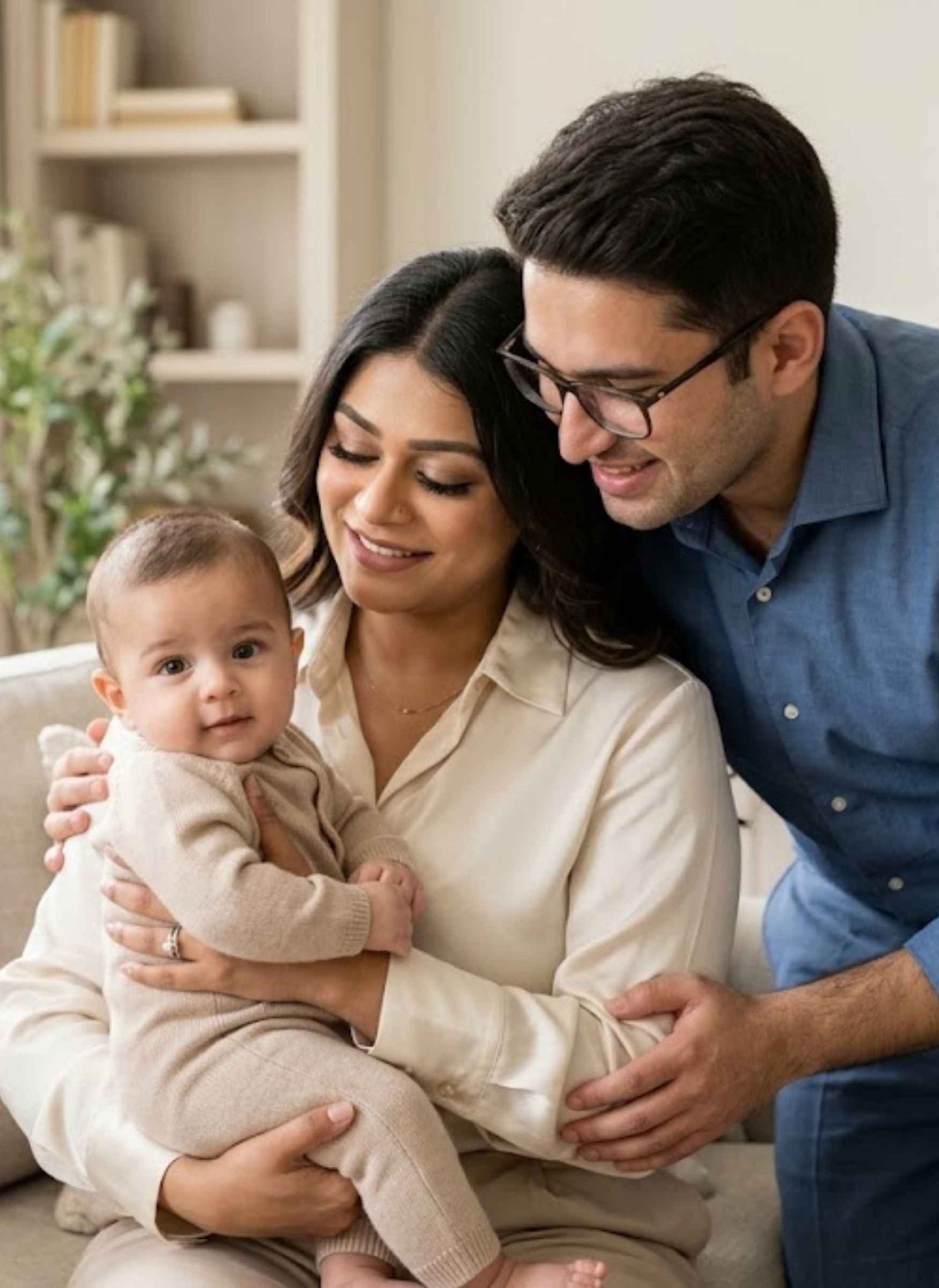
Create an ultra-realistic family portrait using the uploaded photographs of the parents and baby as individual identity references. Preserve each person’s recognizable facial characteristics, skin tone, hairstyle, age appearance, and natural proportions. The baby must also retain the recognizable facial characteristics and age-appropriate appearance from the reference photo.Show the mother comfortably holding the baby in her arms while the father sits or stands closely beside them. Create a warm, affectionate family moment that feels naturally photographed rather than digitally constructed.Place them inside a bright and elegant home environment with soft neutral colors, tasteful furniture, and a clean uncluttered background.Dress the parents in coordinated elegant clothing with natural fabric textures, while keeping the baby’s clothing soft, simple, and age-appropriate.Use gentle window light with warm highlights and soft natural shadows. Focus clearly on all faces while maintaining a subtle shallow depth of field in the background.Create realistic skin texture, natural hair detail, accurate hands and fingers, believable body proportions, realistic baby anatomy, detailed clothing fibers, and professional full-frame DSLR photography quality.The final image should feel like an authentic family photoshoot. Preserve everyone’s identity exactly and include only the people represented in the uploaded references. No extra people, duplicate babies, face swapping, distorted hands, extra fingers, artificial skin, text, or watermark.
Prompt 2
Combine the uploaded individual family photographs into a single warm and photorealistic family portrait. Use each uploaded image as an identity reference and maintain the original facial features, face proportions, skin tone, hairstyle, and age appearance of every family member.Create a cozy indoor scene where the mother is seated comfortably while holding the baby on her lap. The father sits or stands beside her with one hand gently resting near the family, creating a natural sense of closeness.Give the family relaxed expressions and genuine soft smiles. Keep the baby’s appearance natural and age-appropriate without making the baby look older.Set the scene in a warm, elegant home with soft cream-colored furnishings, subtle curtains, and minimal decorative details. Use gentle morning or late-afternoon window light entering from one side.Apply realistic depth of field with the family in clear focus and the background softly blurred. Preserve authentic skin pores, fine hair strands, realistic clothing folds, natural shadows, accurate anatomy, and subtle photographic grain.The final result should resemble a professionally captured lifestyle family photograph with premium DSLR quality and natural color grading.Do not alter or replace any person’s identity. Include exactly the family members represented in the uploaded photos, with no extra people, duplicate faces, distorted hands, extra fingers, unrealistic baby proportions, text, or watermark.
Gemini AI Family Photo Prompt – Father-Son / Mother-Daughter
Prompt 1
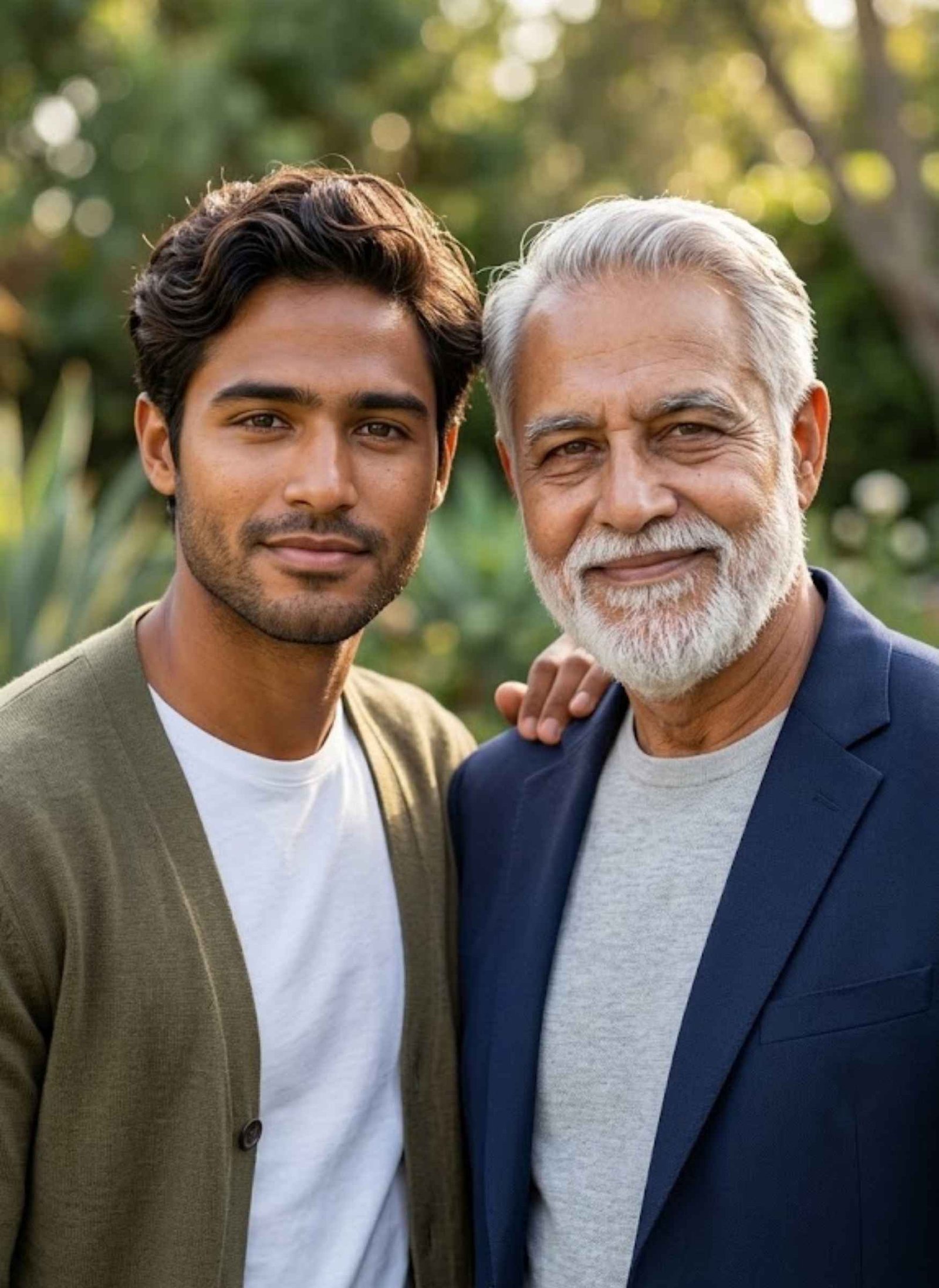
Use the uploaded father and son photographs as individual identity references and create one ultra-realistic portrait of them together. Preserve both people’s recognizable facial features, face shape, skin tone, hairstyle, age appearance, and natural body proportions.Show the father and son standing closely together in a relaxed father-son pose. The father can gently place one hand on his son’s shoulder while the son stands naturally beside him. Both should look toward the camera with subtle, genuine smiles.Create an elegant outdoor setting with soft greenery and a naturally blurred background. Dress them in coordinated smart-casual outfits with complementary colors while maintaining realistic clothing textures.Use warm natural daylight with soft directional illumination across their faces. Add shallow depth of field, realistic background bokeh, natural shadows, detailed skin texture, individual hair strands, and accurate anatomy.The final photograph should look like an authentic professional father-son photoshoot captured with a high-end full-frame camera and an 85mm portrait lens.Keep both identities unchanged and clearly recognizable. Do not merge their facial features or make them look like the same person. No extra people, duplicate faces, distorted hands, artificial skin, text, or watermark.
Prompt 2
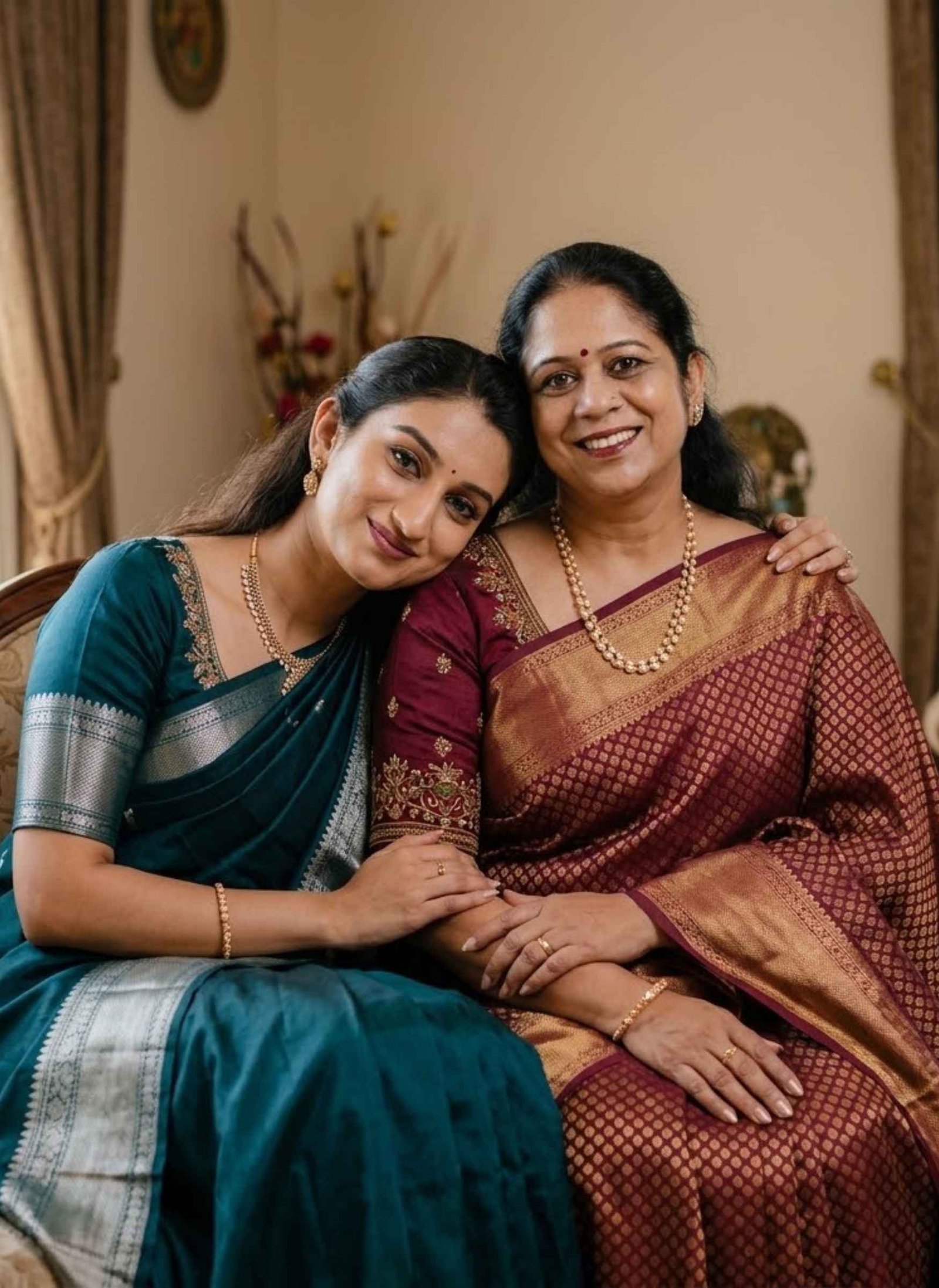
Create a highly realistic mother-daughter portrait by combining the two uploaded reference photographs into one natural photograph. Use the uploaded images to preserve both individuals’ exact recognizable facial characteristics, skin tones, hairstyles, age appearance, and natural proportions.Show the mother and daughter sitting closely together in an affectionate and elegant pose. The daughter should lean naturally toward her mother while the mother gently rests an arm around her. Both should have relaxed expressions and warm natural smiles.Place them in a beautiful traditional indoor setting with subtle decorative details, warm neutral walls, soft curtains, and elegant furnishings.Style them in complementary traditional Indian outfits with realistic embroidery, fabric folds, and jewelry details. Keep the clothing age-appropriate and natural for each person.Use soft warm window lighting with gentle highlights on their faces and realistic shadows. Create a shallow depth of field so the background remains softly blurred while both faces stay clear and detailed.Render realistic skin texture, fine hair strands, natural hands, accurate facial proportions, authentic fabric details, balanced colors, and premium professional portrait photography quality.The final image must look like a genuine mother-daughter photograph taken together.
What Is a Family Photo Prompt for Gemini AI?
A family photo prompt is a written instruction that tells Gemini how to combine separate photos of family members into one realistic group photo. Instead of everyone needing to be in the same place at the same time, you upload individual photos — one per person — and the prompt tells Gemini how to arrange them together: who stands where, what they’re wearing, the background, and the overall mood.
This is different from a regular photo-editing prompt, because Gemini has to blend multiple identities into a single, believable scene while keeping each person’s face accurate. That’s why the wording of the prompt matters more here than in most other prompt types — a vague prompt often produces family members who don’t quite look like themselves.
How to Use These Prompts
Collect a clear photo of each family member — front-facing, well-lit, and not blurry works best.
Copy the prompt for the style you want.
Open the Gemini app and start a new chat.
Upload each family member’s photo, one at a time, so Gemini has a clean reference for every face.
Paste the prompt and send it.
Review the result. If a face doesn’t look quite right, mention that specific person in a follow-up message rather than starting over completely.
Is There a Free Family Photo AI Prompt Generator?
You don’t need a separate “prompt generator” tool for this — Gemini itself is free to use with photo uploads, and the prompts on this page are free to copy and paste directly into it. A paid Gemini plan mainly helps if you’re generating a lot of images or want faster processing; it isn’t required to use any of these prompts.
Tips & Common Mistakes
Use recent, similar-quality photos for everyone. If one person’s photo is sharp and another is blurry or heavily filtered, Gemini has less to work with for that person, and their face may look less accurate in the final result.
Front-facing photos work better than angled ones. When a reference photo is taken from a strong angle, Gemini sometimes changes that person’s facial proportions slightly while blending them into the new scene.
Don’t ask for too many people in one prompt. Combining more than 4-5 family members at once makes it harder for Gemini to keep every face accurate — smaller groups, or two separate photos merged later, tend to work better.
Mention the exact number of people. Adding a line like “exactly four people, no extra people or duplicate faces” helps prevent Gemini from adding an unintended extra person to the scene.
Try again if a face looks off. This happens more with family/group prompts than single-portrait prompts, simply because more faces are being processed at once — a second attempt often fixes it.
Frequently Asked Questions
Can I use photos of family members who are in different locations?+
Yes — that’s the main use case for this type of prompt. You upload separate photos of each person, and Gemini combines them into one photo, so everyone doesn’t need to be physically together.
Why did one person’s face come out looking different?+
This usually happens when that person’s reference photo was blurry, at an angle, or poorly lit compared to the others. Uploading a clearer, front-facing photo of that person and trying again usually fixes it.
How many family members can I combine in one photo?+
Most prompts work reliably with 3-5 people. Larger groups can work too, but accuracy per face tends to drop as more people are added at once.
Is this free to use?+
Yes. Gemini’s free tier supports photo uploads and prompt-based generation. You don’t need any paid tool or separate “AI prompt generator” — just Gemini and the prompt text.
Can I change the outfits or background in these prompts?+
Yes, these prompts are meant to be a starting point. You can swap in different clothing, settings, or occasions (festival, casual, formal) by editing those details directly in the prompt.
Will the family photo look exactly like a real photo?+
It will look realistic, but not identical to what a professional photographer would capture in person — small details like hand position or exact lighting can vary between generations. It works best as a way to include family members who can’t be physically present, rather than a full replacement for a real family photoshoot.
Some father-daughter moments are easy to remember but difficult to capture in one perfect photograph. You may have separate photos, an old family picture, or simply want to recreate a meaningful scene that never made it to the camera. A well-written father and daughter prompt for Gemini can turn those reference photos into realistic family…
A mother and son photo can hold more emotion than a perfectly posed family portrait. With an Indian mom and son prompt for Gemini, you can turn simple reference photos into meaningful images that still feel natural, personal, and recognizable. These prompts are designed for different moments, from traditional saree-and-kurta portraits and relaxed home scenes…
Getting a natural-looking couple photo from AI is not as simple as putting two people in the same frame. The faces can change, identities may get mixed, or the pose can look unnatural. A well-written couple prompt for Gemini AI helps you control these details and create a photo that feels more realistic. Below, you’ll…
Want to create a beautiful Raksha Bandhan photo with your brother or sister using AI? These Raksha Bandhan AI Photo Editing Prompts help you turn your uploaded photos into realistic Rakhi celebration portraits while keeping both faces natural and recognizable. Upload clear photos of the brother and sister to Gemini, ChatGPT, or another AI image…
A father-and-son photo can capture a lot more than a simple pose, especially when the right moment was never photographed properly. With a father and son prompt for Gemini, you can turn one shared photo or two separate reference images into realistic family portraits while keeping both faces recognizable. These prompts cover different kinds of…
If your Instagram feed has suddenly turned into a political rally over the last few days, you’re not imagining it. Cockroach Janata Party (CJP) posters are everywhere right now — cinematic rally backdrops, election-style banners, and thousands of people posting themselves as the “candidate.” It’s one of those trends that looks complicated to make but…