Chibi-style photos are a fun way to turn an ordinary picture into something cute, playful, and made for social media. Instead of using a basic cartoon filter, you can use Chibi Cartoon Style AI Photo Editing Prompts to control how your final image looks—from tiny mini-me characters around your real photo to a complete chibi transformation.
Upload a clear reference photo, choose the style you want, and copy the matching prompt below. You can also change the outfit, background, expressions, or small decorative details to make the result your own. These prompts work well with ChatGPT and other AI image tools.
Best Chibi Cartoon Style AI Photo Editing Prompts
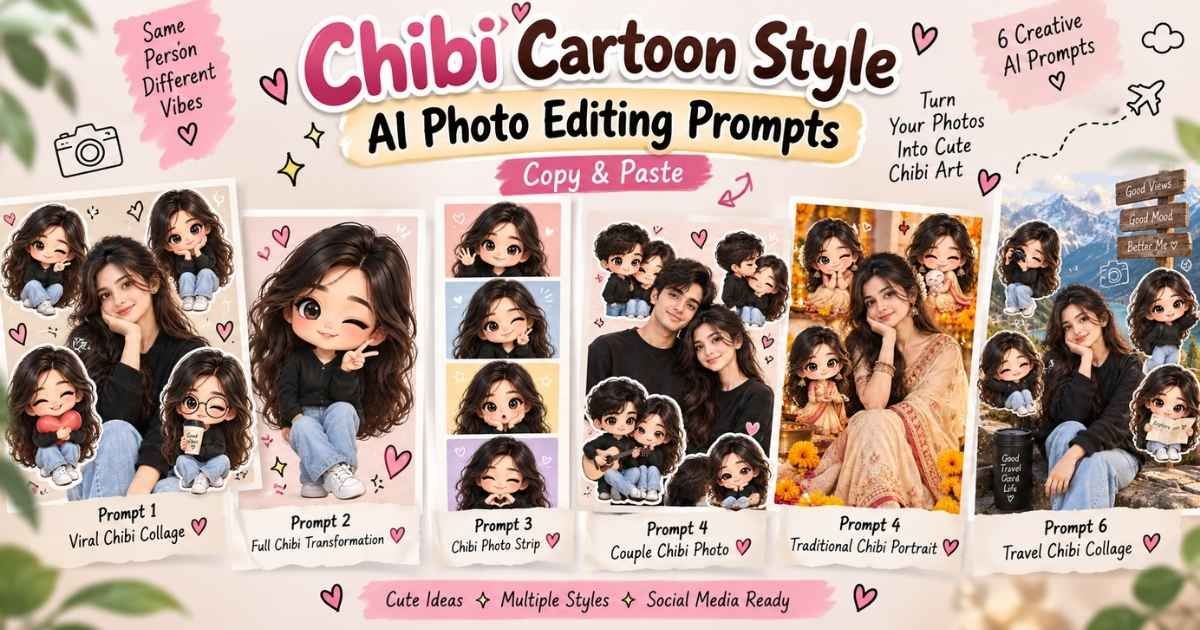
Not every chibi edit has to look the same. Some styles keep your real appearance and add tiny cartoon versions around you, while others transform the entire photo into a cute chibi character. These six prompts are designed for different types of results.
Viral Chibi Cartoon Collage
Prompt 1
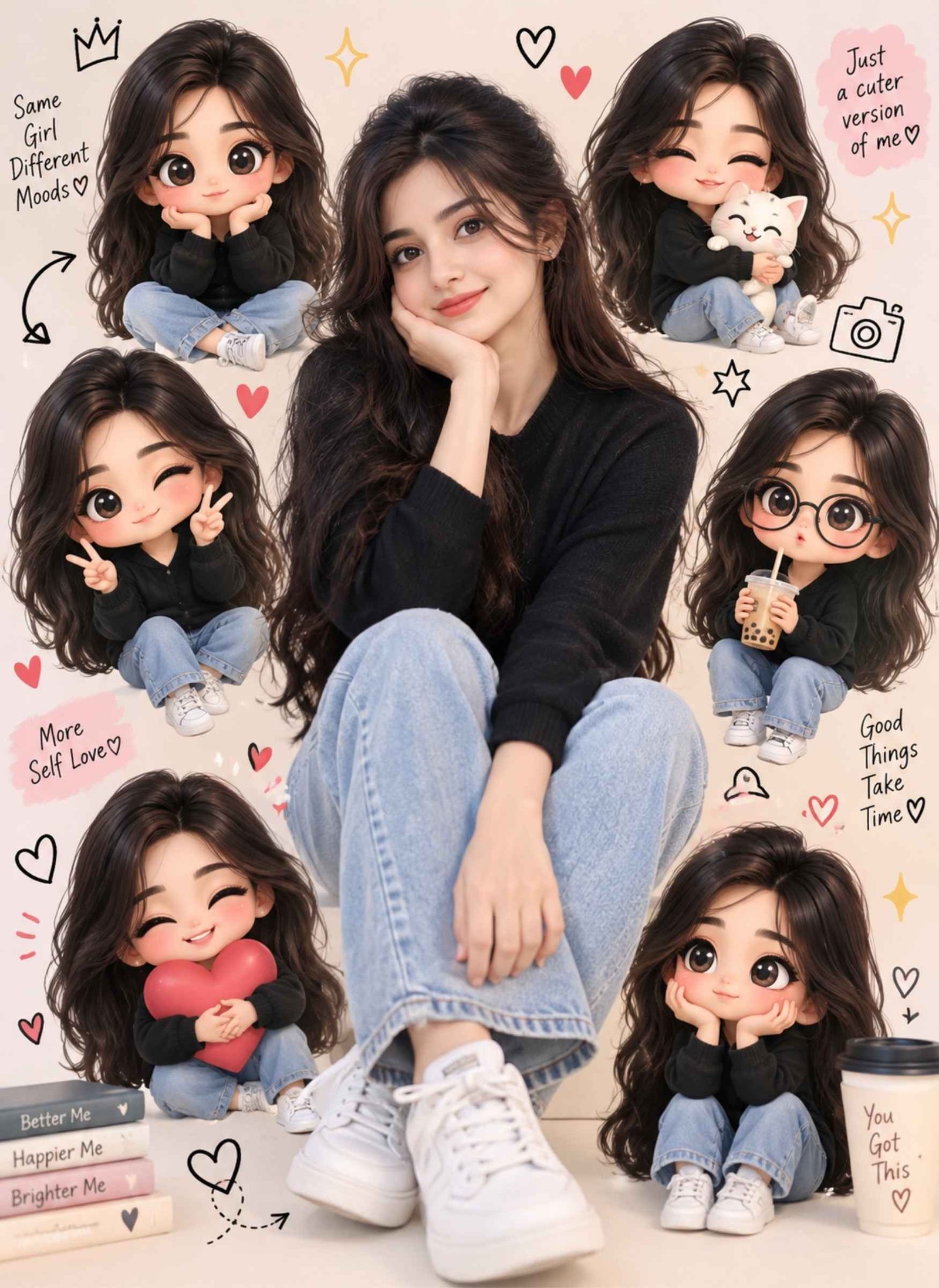
Use my uploaded photo as the main identity reference. Keep the main person realistic and preserve their recognizable facial features, hairstyle, natural skin tone, expression, outfit, and overall appearance. Place the person in the center as the main subject.
Surround the person with 5–6 small 3D chibi versions inspired by the same person, each showing a different cute expression and playful pose. Give the mini characters oversized heads, small bodies, expressive eyes, and polished cartoon details while keeping recognizable elements from the original person, including hairstyle and clothing.
Add tasteful hand-drawn doodles such as small hearts, stars, sparkles, arrows, and simple playful symbols around the mini characters. Use a clean pastel background with soft shadows and balanced spacing. Keep the main person sharp and realistic while the surrounding mini characters have a cute 3D chibi appearance. Create a polished, social-media-ready composition without overcrowding the image.
Full Chibi Cartoon Transformation
Prompt 2
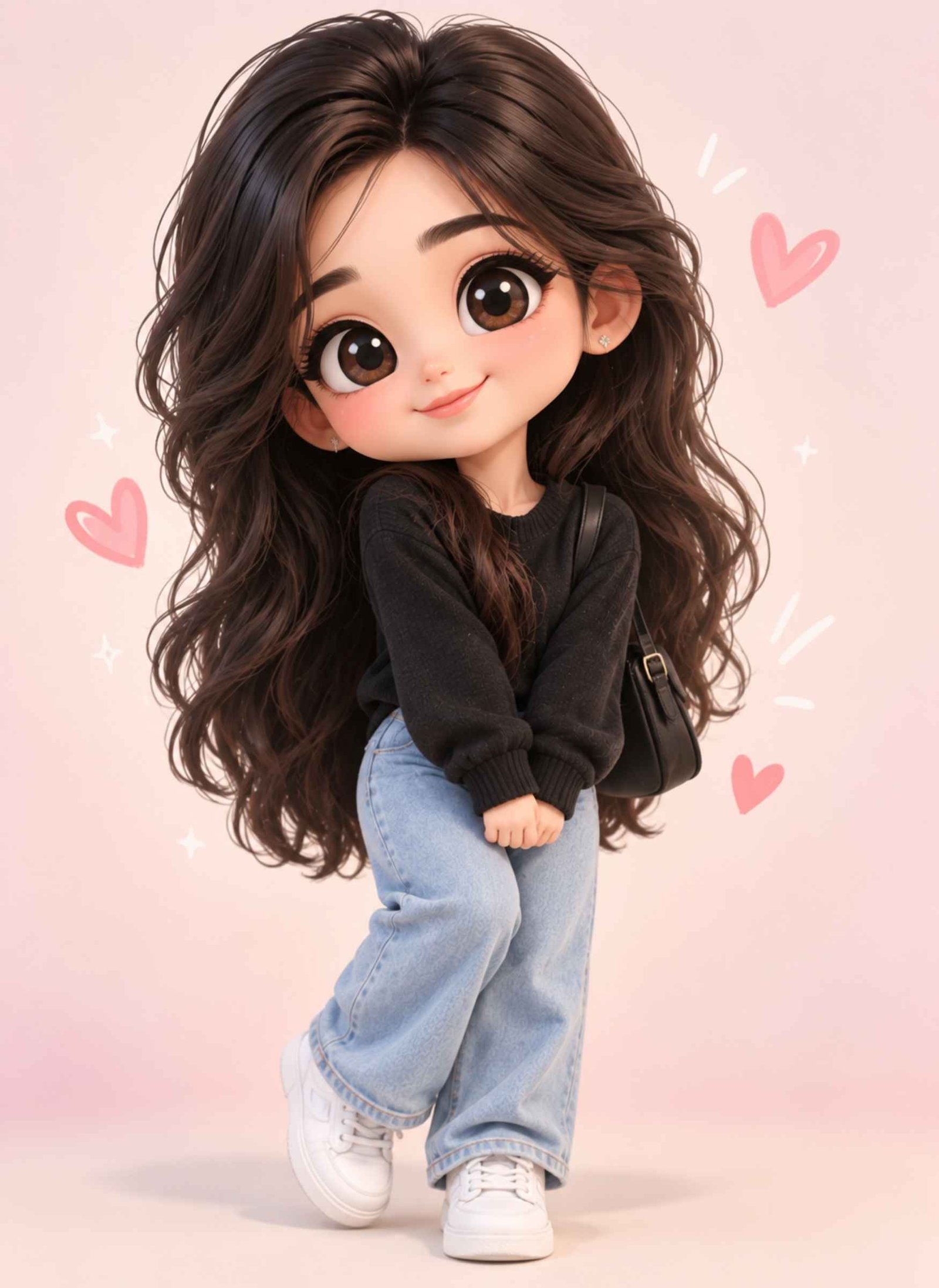
Use my uploaded image as the reference and transform the person into a complete chibi-style cartoon character. Preserve recognizable details such as the hairstyle, skin tone, facial characteristics, outfit colors, glasses, accessories, and overall personality of the original subject.
Create classic chibi proportions with a large head, small body, short arms and legs, expressive eyes, and a cheerful but natural expression. Use smooth 3D cartoon rendering, soft facial details, clean textures, and gentle lighting. Place the character against a simple pastel background with subtle shadows and a few small decorative elements. Keep the composition cute and polished without adding unnecessary objects or text.
Chibi Sticker & Mini-Me Portrait
Prompt 3
Use my uploaded photo as the identity reference and transform the person into a cute 3D chibi character while preserving recognizable details such as hairstyle, natural skin tone, facial characteristics, outfit colors, glasses, and important accessories.
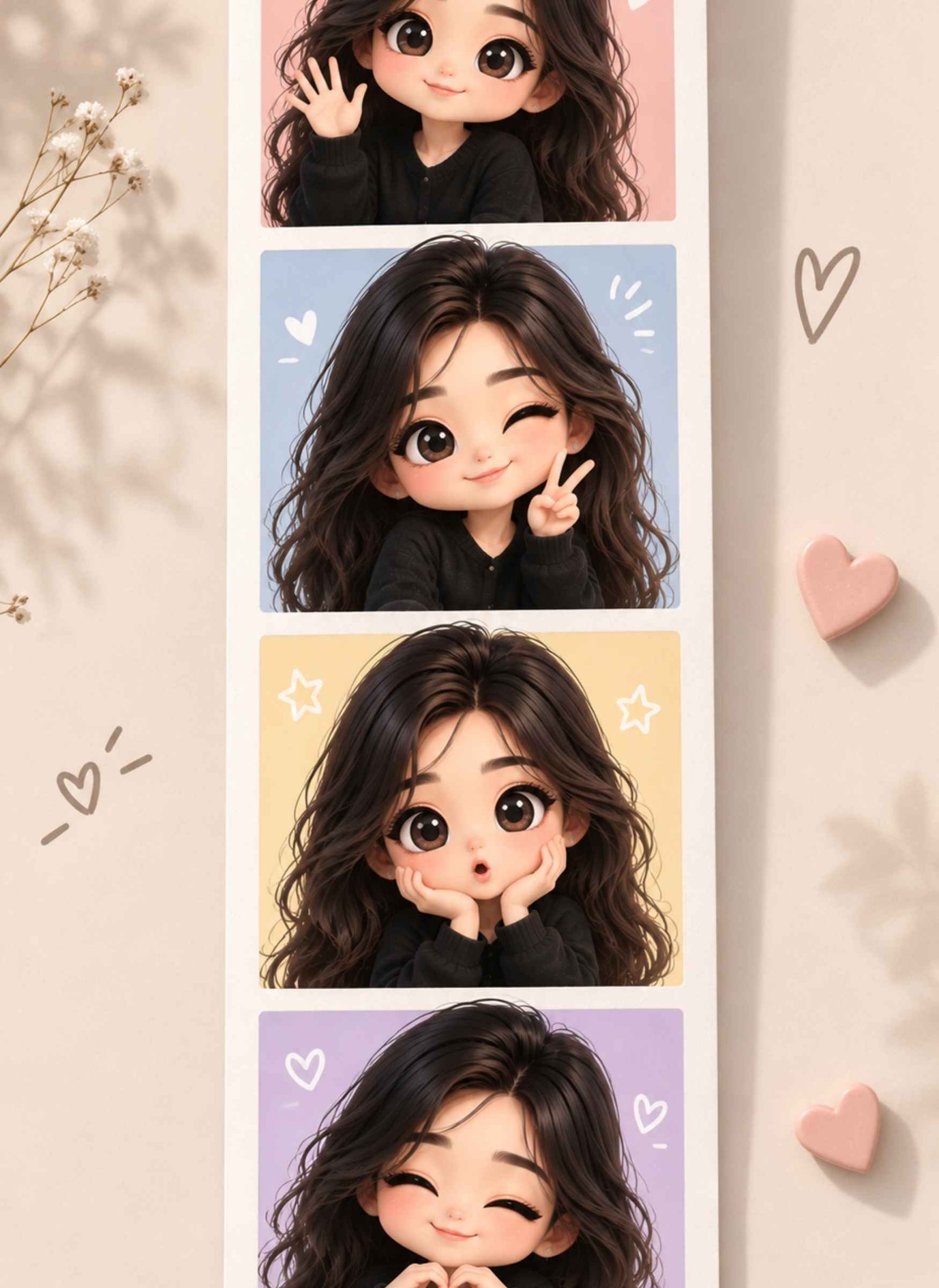
Create a vertical four-frame Polaroid-style photo booth strip. Each frame should show the same chibi character in a clearly different pose and expression:
• Frame 1: smiling naturally and waving
• Frame 2: making a playful peace sign
• Frame 3: showing a cute surprised expression
• Frame 4: making a small heart gesture with both hands
Use classic chibi proportions with an oversized head, small body, expressive eyes, and short arms and legs. Keep the character’s clothing and hairstyle consistent across all four frames so it clearly represents the same person.
Give each frame a slightly different soft pastel background while maintaining one cohesive visual style. Add only a few subtle decorative elements such as tiny hearts, stars, or sparkles inside the frames.
Arrange all four images as a clean vertical photo booth or Polaroid strip with visible white borders and clear separation between each frame. Do not place a large realistic portrait in the center or surround one main subject with mini characters. Do not create a collage similar to a mini-me layout. The final result should look like a polished chibi photo booth strip with four separate moments, clean spacing, and no text.
Couple Chibi Cartoon Photo
Prompt 4
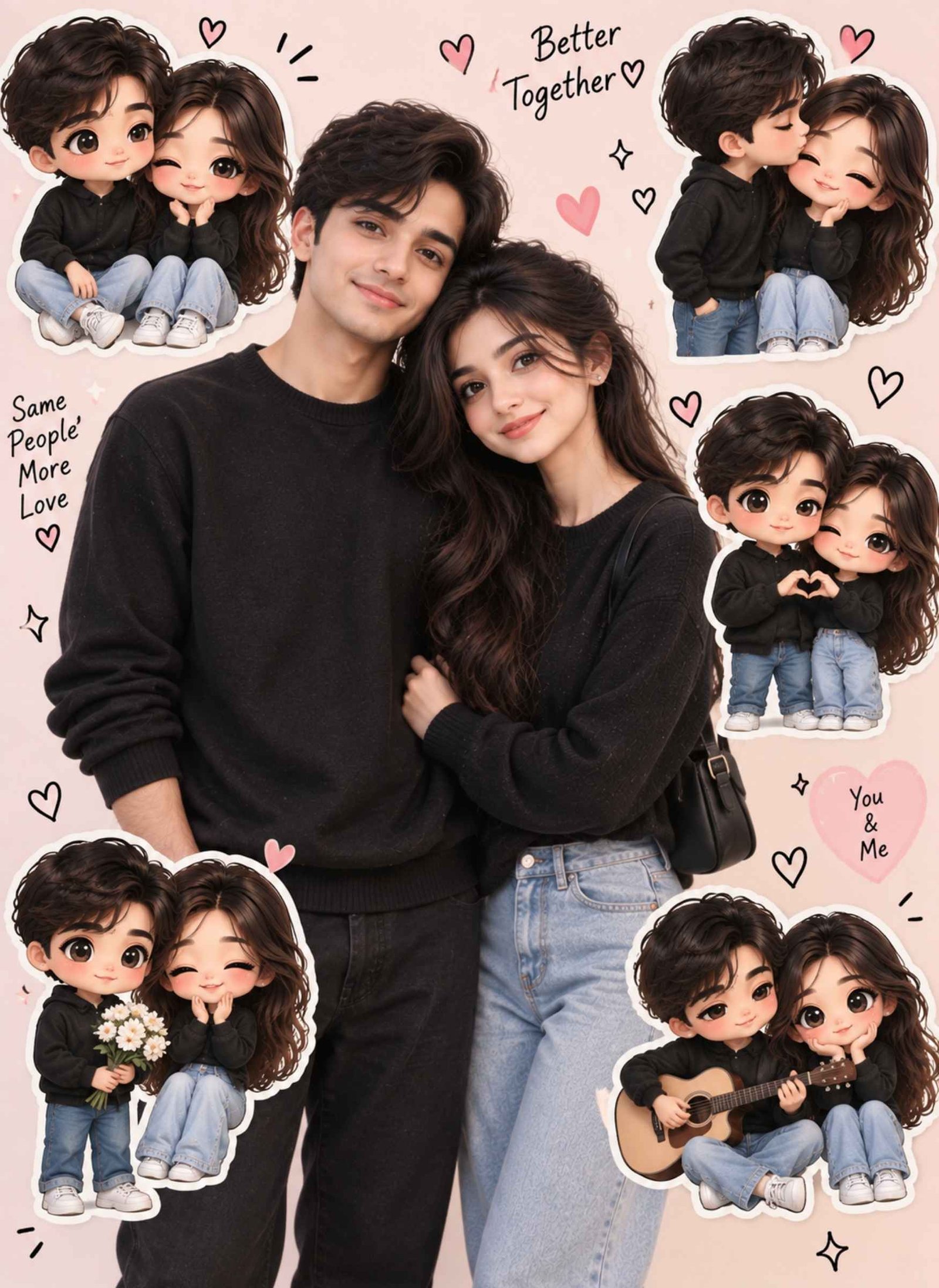
Use both uploaded photos as separate identity references for Person A and Person B. Keep both people recognizable and do not blend their facial features. Preserve each person’s hairstyle, natural skin tone, facial characteristics, outfit details, and age appearance.
Create a warm couple portrait with both people standing naturally together as the main realistic subjects. Around them, add 4–5 cute chibi versions of the couple showing different moments, such as holding hands, laughing together, making a heart gesture, or standing side by side.
Give the mini characters oversized heads, small bodies, expressive faces, and matching clothing inspired by the original couple. Add small hearts, sparkles, and simple doodles around the composition. Use a soft pastel background and balanced lighting. Keep the overall result romantic and playful without making it overly childish or cluttered.
Traditional Indian Chibi Portrait
Prompt 5
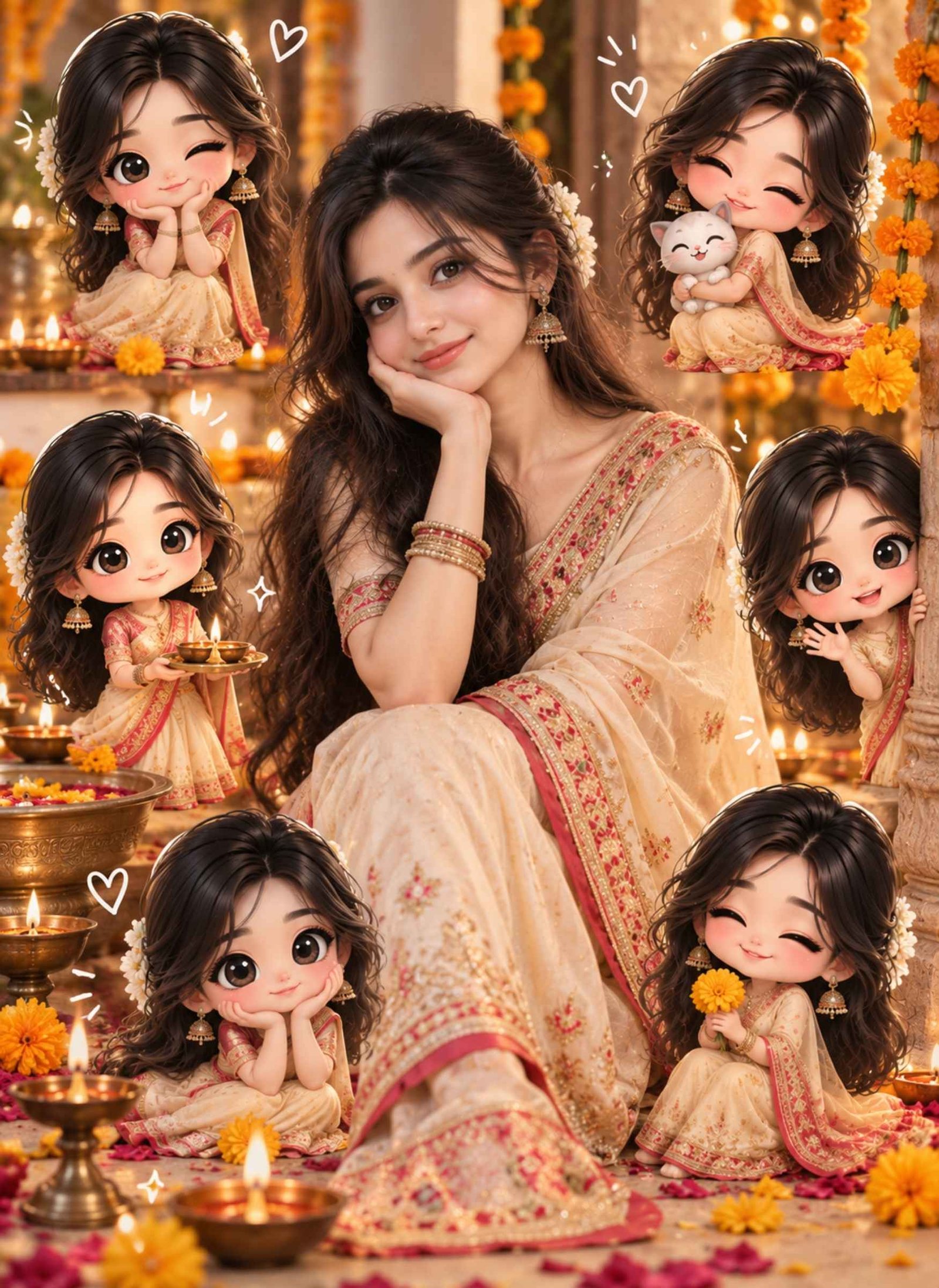
Use my uploaded photo as the main identity reference and preserve the person’s recognizable facial features, hairstyle, natural skin tone, expression, and age appearance.
Keep or create an elegant traditional Indian outfit such as a saree, salwar suit, kurta, or kurta-pajama, depending on the subject. Maintain realistic fabric textures, embroidery, jewellery, and culturally appropriate details.
Keep the main person realistic in the center and add several small chibi versions around them wearing matching traditional clothing. Give the mini characters cute poses and different natural expressions. Add subtle festive details such as marigold flowers, diyas, small decorative patterns, or delicate sparkles. Use warm, soft lighting and an elegant background so the traditional styling remains the main visual focus.
Travel & Outdoor Chibi Collage
Prompt 6
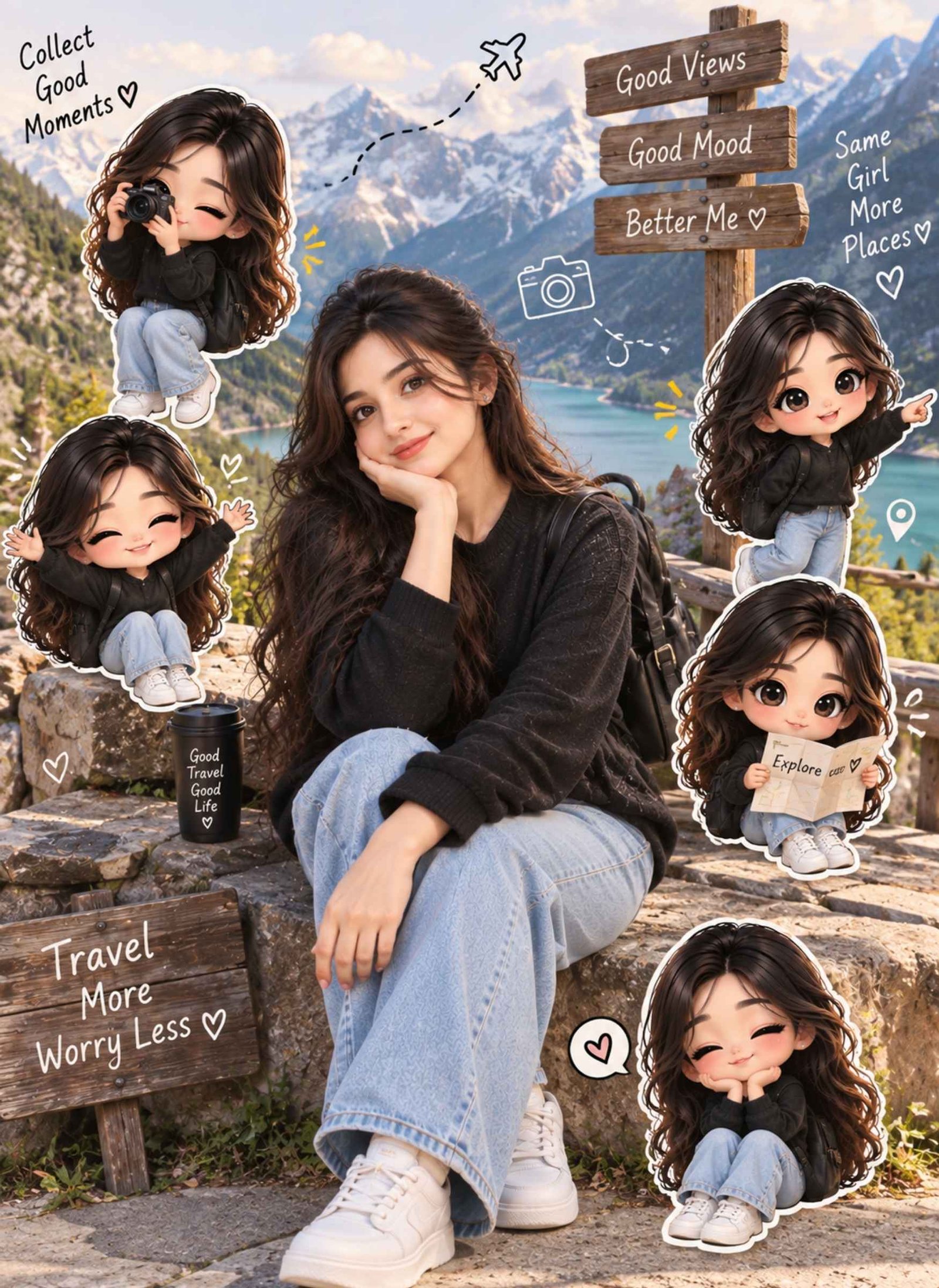
Use my uploaded travel or outdoor photo as the main reference. Preserve the person’s recognizable face, hairstyle, natural skin tone, outfit, pose, and important details of the original location.
Keep the main person realistic and naturally integrated into the scene. Add 4–5 small chibi versions of the same person around the composition, showing playful travel-inspired actions such as taking a photo, carrying a backpack, waving, pointing toward the scenery, or holding a small map.
Match the mini characters’ clothing and hairstyle with the main person. Add a few subtle travel doodles such as location pins, clouds, stars, camera icons, or arrows. Preserve the important scenery from the original image and keep the design clean so the chibi characters complement the location rather than covering it.
What Is Chibi Cartoon Style AI Photo Editing?
Chibi is a cute character style known for exaggerated proportions, especially a larger head, smaller body, and expressive facial features. When this idea is used in AI photo editing, a normal reference photo can be turned into a chibi character or combined with miniature cartoon versions of the person.
The current photo-editing trend often mixes realistic photography with small chibi characters. This creates the popular “mini-me” look where your real portrait remains the main focus while cute versions of you appear around it.
Because the result is generated from a reference image and written instructions, you have more control than you would with a simple cartoon filter. Clothing, poses, background, number of mini characters, doodles, and overall mood can all be adjusted through the prompt.
Chibi Cartoon vs Chibi Collage: What’s the Difference?
A chibi cartoon transformation changes the main person into a cartoon character. The final subject usually has an oversized head, smaller body, expressive eyes, and simplified proportions. If you want your entire photo to look illustrated or animated, this is the better option.
A chibi collage works differently. Your normal or realistic portrait stays as the main subject while several miniature chibi versions are placed around it. These smaller characters can show different poses, moods, or activities.
So, if you want a completely cartoon-style result, use a full transformation prompt. If you like the viral real-person-plus-mini-characters look, choose a chibi collage or mini-me prompt instead.
How to Create a Chibi Cartoon Photo With AI
Start with a clear photo where your face and hairstyle are easy to see. Upload it to an AI image tool, then copy one of the prompts above based on the result you want.
Paste the prompt with your image and generate the first version. If the result is close but not quite right, you do not need to rewrite everything. Give a short follow-up instruction describing only what needs to change—for example, reduce the number of mini characters, keep the original outfit, simplify the background, or make the main face closer to the reference.
For a couple edit, upload clear photos of both people and specify which image belongs to each person. This helps the model treat them as separate identities rather than mixing their features.
Common Chibi AI Photo Problems and How to Fix Them
One common issue is getting too many mini characters. Instead of asking for “many chibi characters,” specify an approximate number such as four or five. This keeps the composition easier to control.
If the edit becomes too busy, reduce decorative elements and ask for a cleaner background with balanced spacing. When the AI changes the original clothes unnecessarily, explicitly tell it to preserve the reference outfit, colors, and accessories.
Duplicate mini characters can also make the result look repetitive. Ask for different expressions and poses for each chibi version. If hands or small body details look awkward, regenerate the affected character or simplify its pose rather than changing the entire composition.
For couple images, identity mixing can be reduced by clearly assigning each uploaded photo to a separate person and asking the model to preserve both identities independently.
FAQs
Can I use Chibi Cartoon Style AI Photo Editing Prompts in Gemini?+
Yes, you can try these prompts with Gemini or another AI image tool that supports reference-image generation or editing. Results can vary between models, so small prompt adjustments may be needed.
Can I make a chibi photo from a selfie?+
Yes. A clear selfie can work well, especially for portrait and mini-me styles. Make sure your face is well lit and not heavily covered by filters.
Can I create a chibi cartoon from a couple photo?+
Yes. You can use a single couple photo or separate reference photos. When using separate images, identify each person clearly in your instructions so their features are not intentionally blended.
Can I change the number of mini chibi characters?+
Yes. The number is completely customizable. For a cleaner composition, around three to six mini characters is often easier to arrange than filling the image with too many elements.
Can I customize the clothes and background in the prompt?+
Yes. You can replace the outfit, location, background, poses, expressions, doodles, and other visual details. If you want to keep something from your original photo, state clearly that it should be preserved.
Final Thoughts
The best chibi edit depends on the result you actually want. Choose a full transformation for a complete cartoon look, or use a mini-me collage when you want to keep your realistic portrait and add playful chibi characters around it.
Want the viral direct-flash look seen in stylish Instagram portraits without manually adjusting lighting, contrast, and grain? This Instagram flash filter AI photo editing prompt is designed to transform an existing photo into a bold flash-photography aesthetic while keeping the original subject and scene recognizable. The effect combines bright on-camera flash, a darker background, defined…
A mother and son photo can hold more emotion than a perfectly posed family portrait. With an Indian mom and son prompt for Gemini, you can turn simple reference photos into meaningful images that still feel natural, personal, and recognizable. These prompts are designed for different moments, from traditional saree-and-kurta portraits and relaxed home scenes…
A blurry photo does not always need complicated editing to look clear again. If your picture looks out of focus, pixelated, soft, compressed, or low quality, the right blur image to clear image prompt can help AI improve its clarity while keeping the original photo natural. Below, you’ll find one powerful copy-and-paste prompt designed to…
The Thevar Magan prompt trend is perfect for creating traditional South Indian portraits with a strong cinematic feel. Instead of a generic AI photo, these prompts focus on white veshti and shirts, silk sarees, carved wooden furniture, Tamil village settings, warm earthy colors, and dignified family poses. Below, you’ll find 10 ready-to-use prompts for father…
Getting the whole family together for a photo isn’t always easy — someone’s away for work, someone’s studying in another city, and coordinating everyone on the same day rarely works out. A Gemini AI family photo prompt solves this differently: you upload separate photos of each family member, paste a prompt, and Gemini combines them…
Getting a natural-looking couple photo from AI is not as simple as putting two people in the same frame. The faces can change, identities may get mixed, or the pose can look unnatural. A well-written couple prompt for Gemini AI helps you control these details and create a photo that feels more realistic. Below, you’ll…