
ChatGPT Photo Editing Prompts Trending Instagram – Copy & Paste
AI photo trends are changing the way people create and share pictures on Instagram. With the right ChatGPT photo editing prompts trending Instagram, you can turn a simple reference photo into a cinematic portrait, vintage shot, luxury fashion image, street-style photo, or viral poster without manually editing every detail.
Below, you’ll find ready-to-copy prompts for different Instagram photo styles, including boys, girls, portraits, posters, and couples. Upload a clear reference photo, choose a style you like, copy the prompt, and customize details such as clothing, background, pose, or lighting if needed.
Best ChatGPT Photo Editing Prompts Trending Instagram
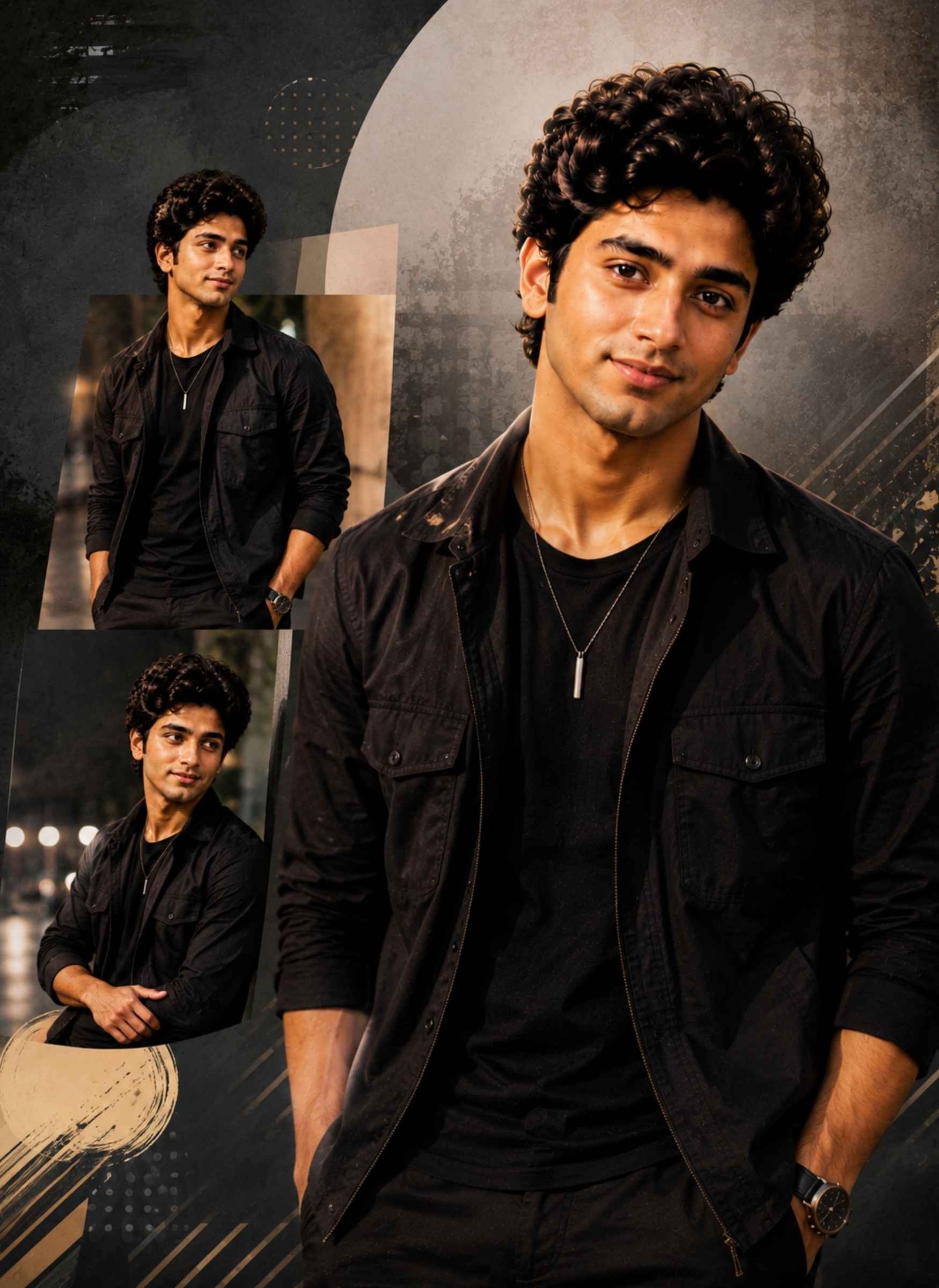
These Instagram trending photo prompts are designed to create different visual styles rather than repeating the same portrait with minor changes. From cinematic and retro looks to street photography and luxury editorials, each prompt gives you a distinct idea for your next AI photo.
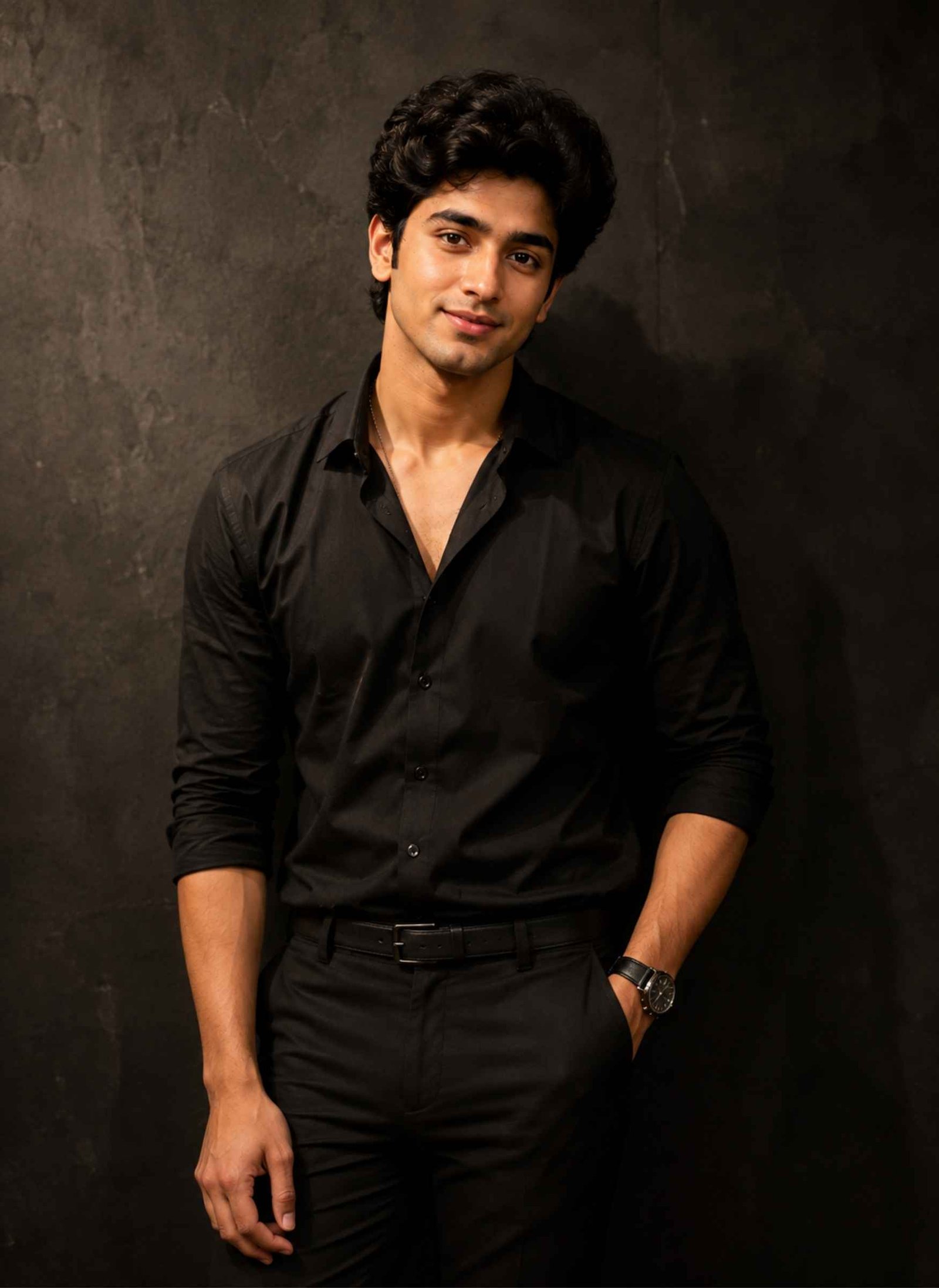
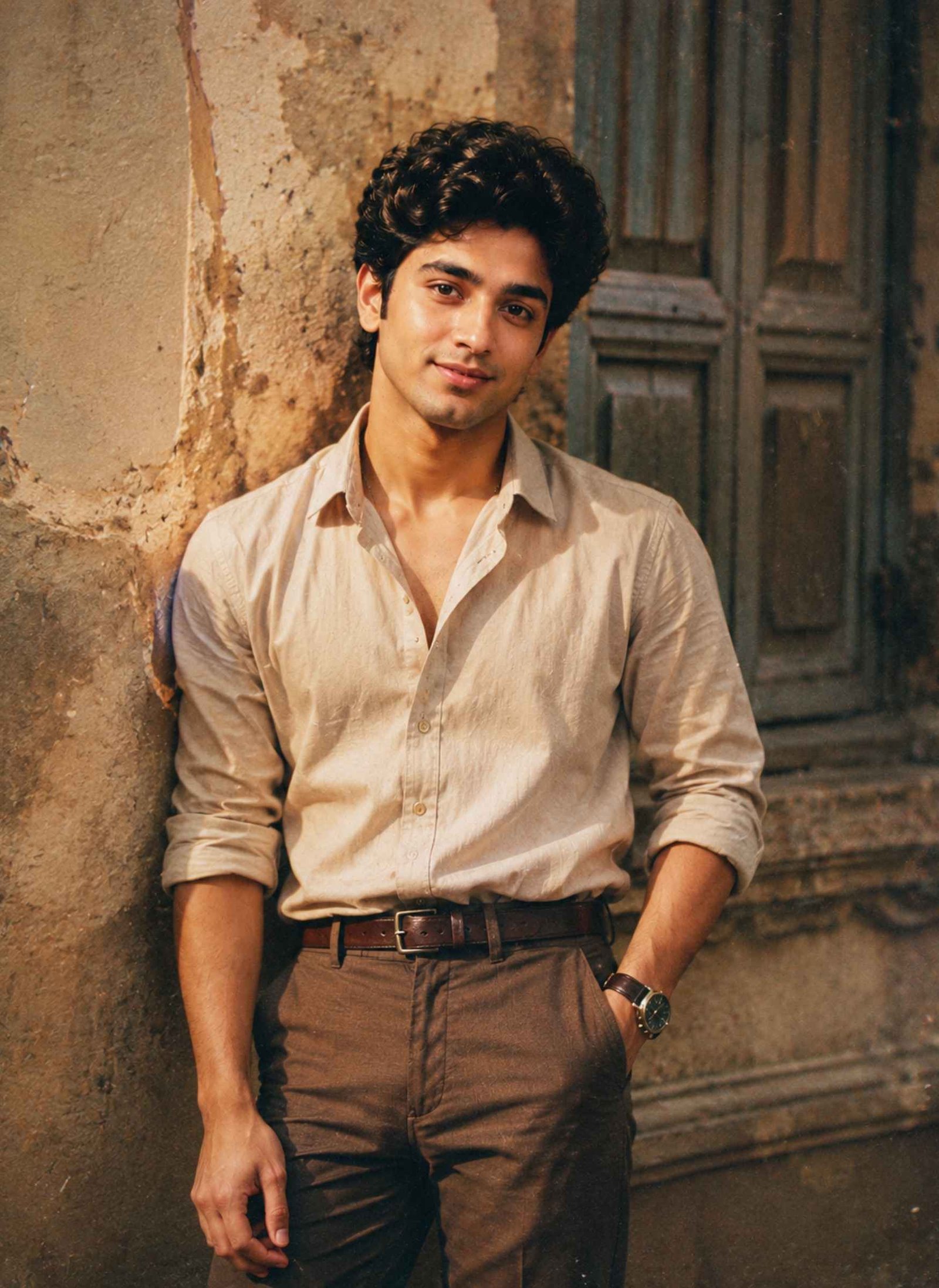
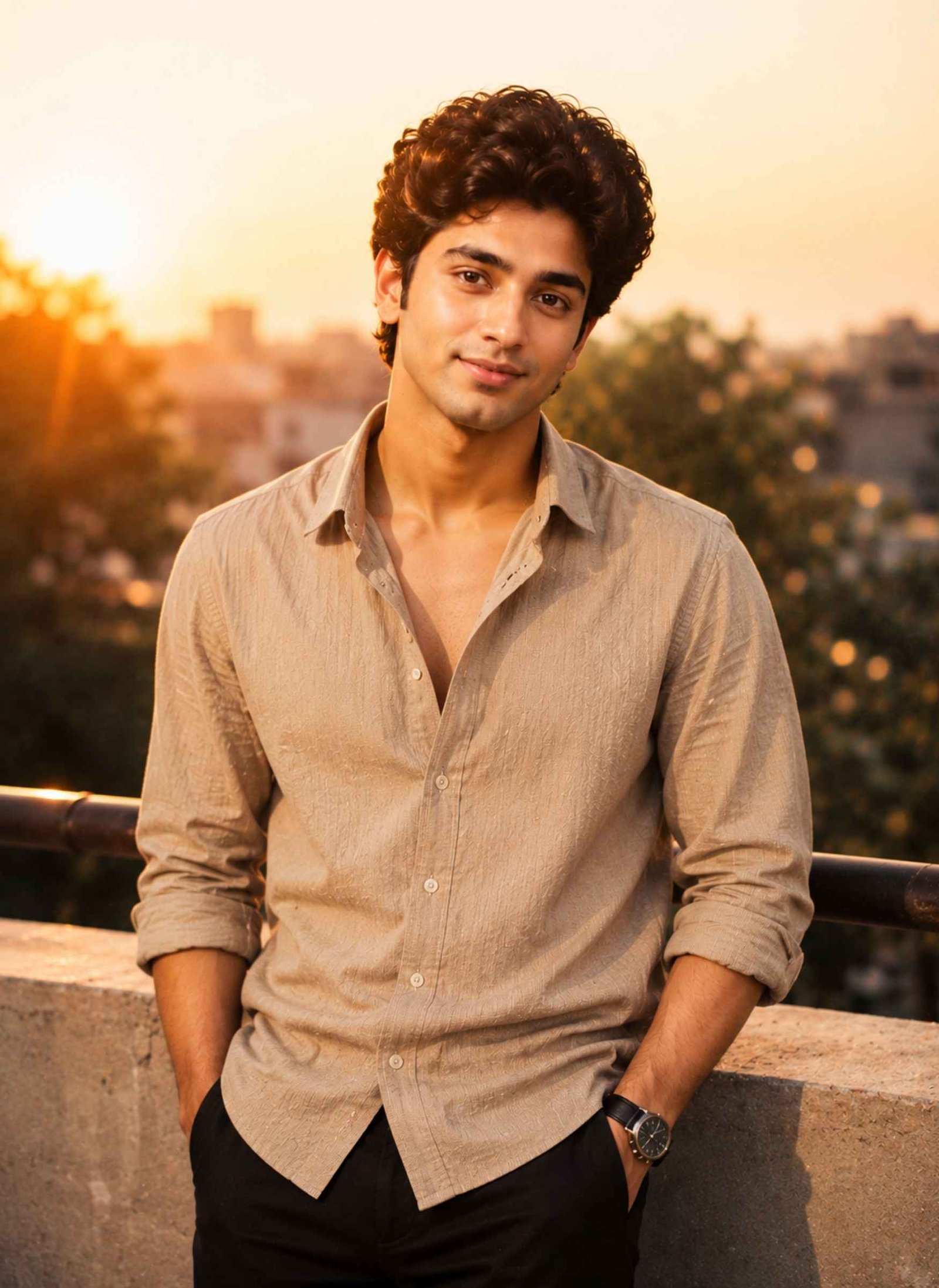
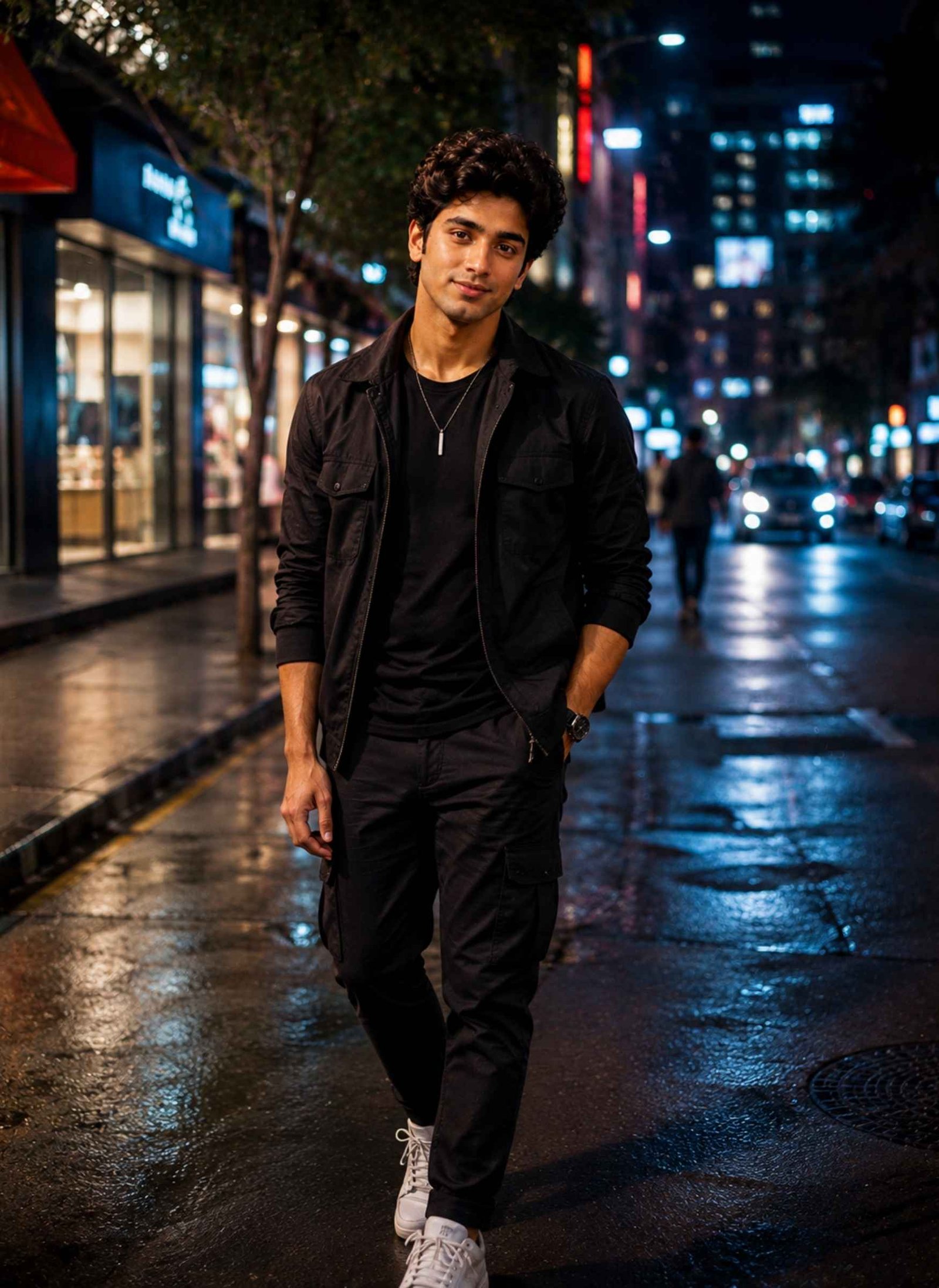
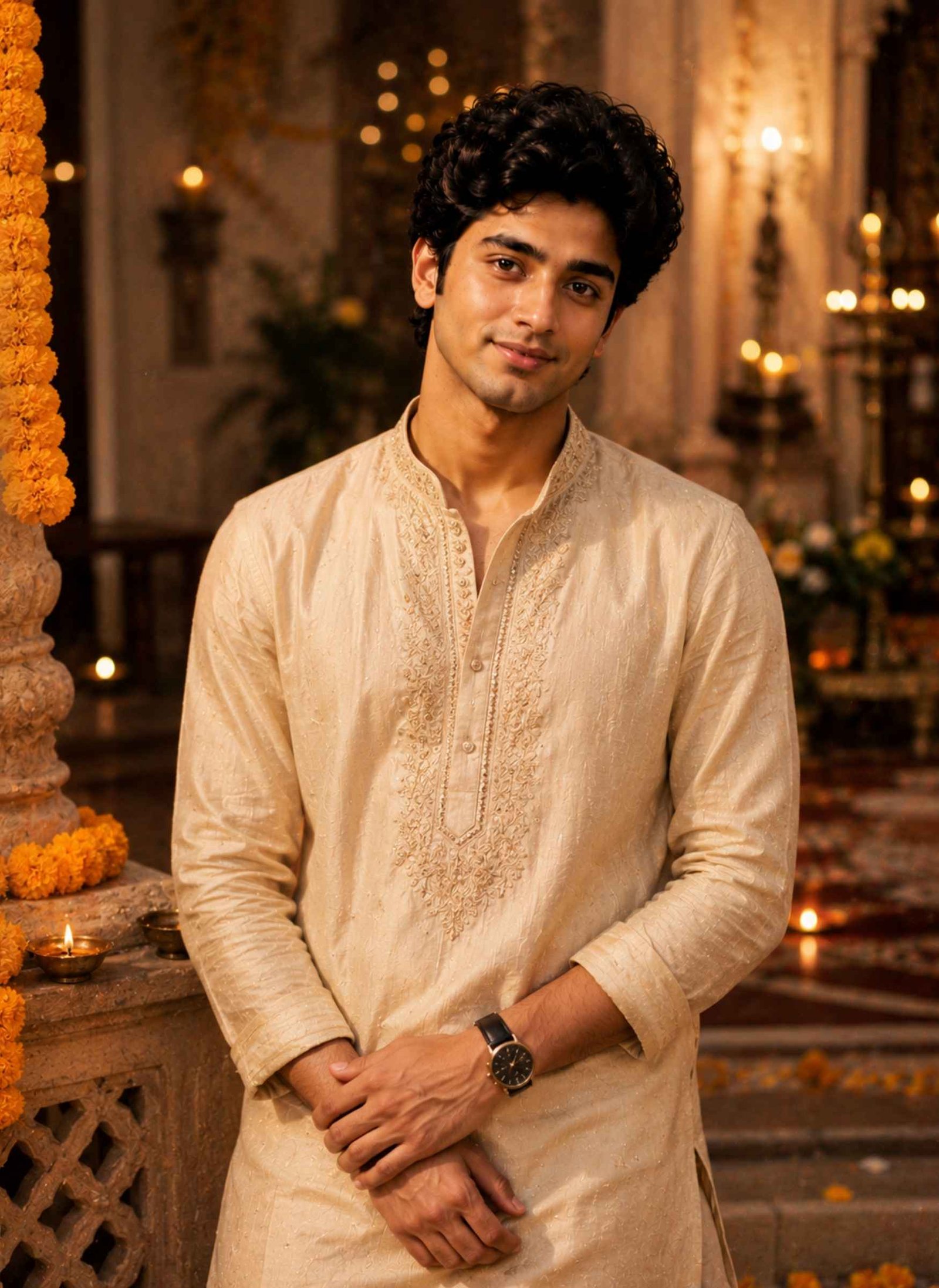
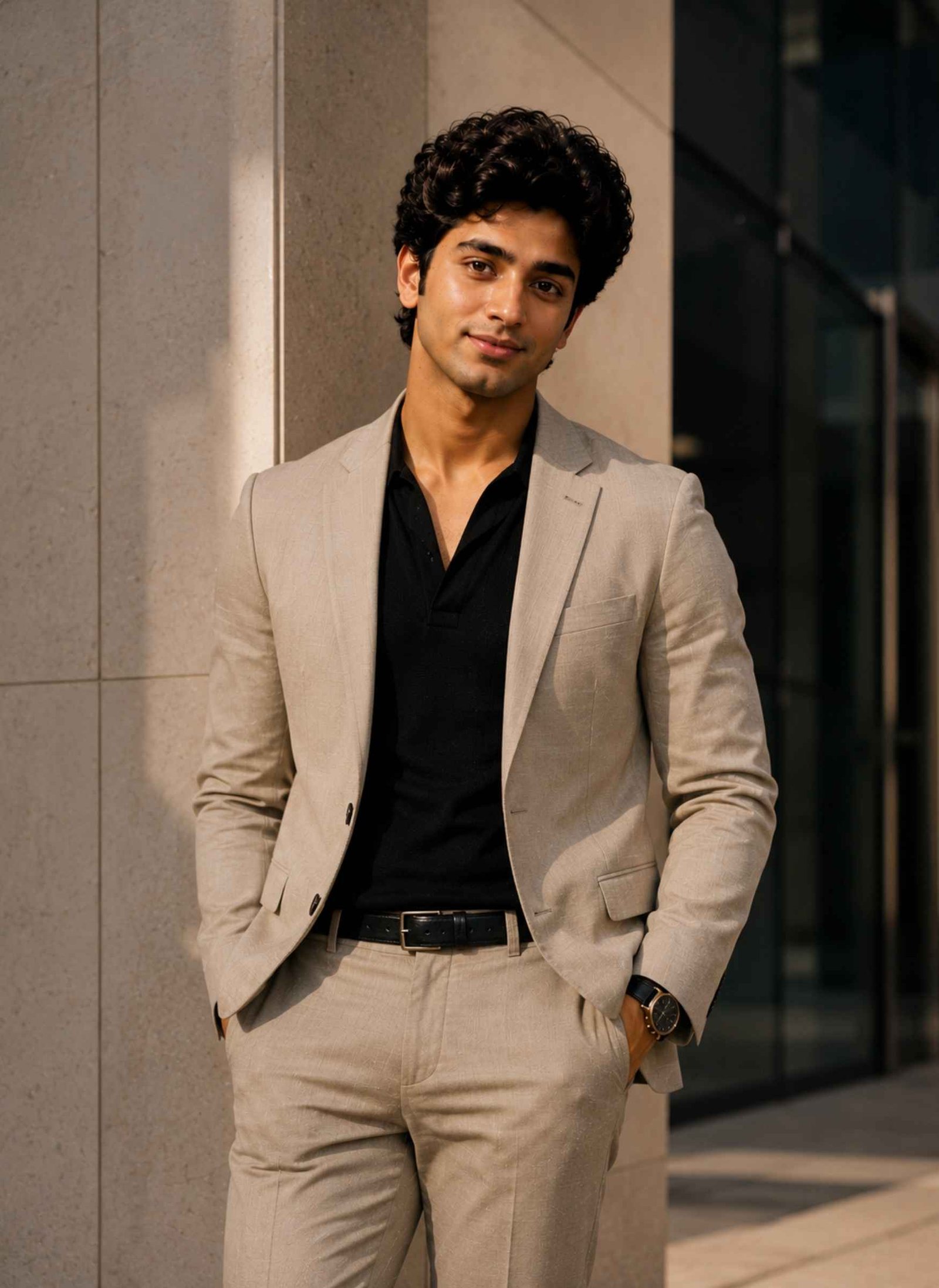
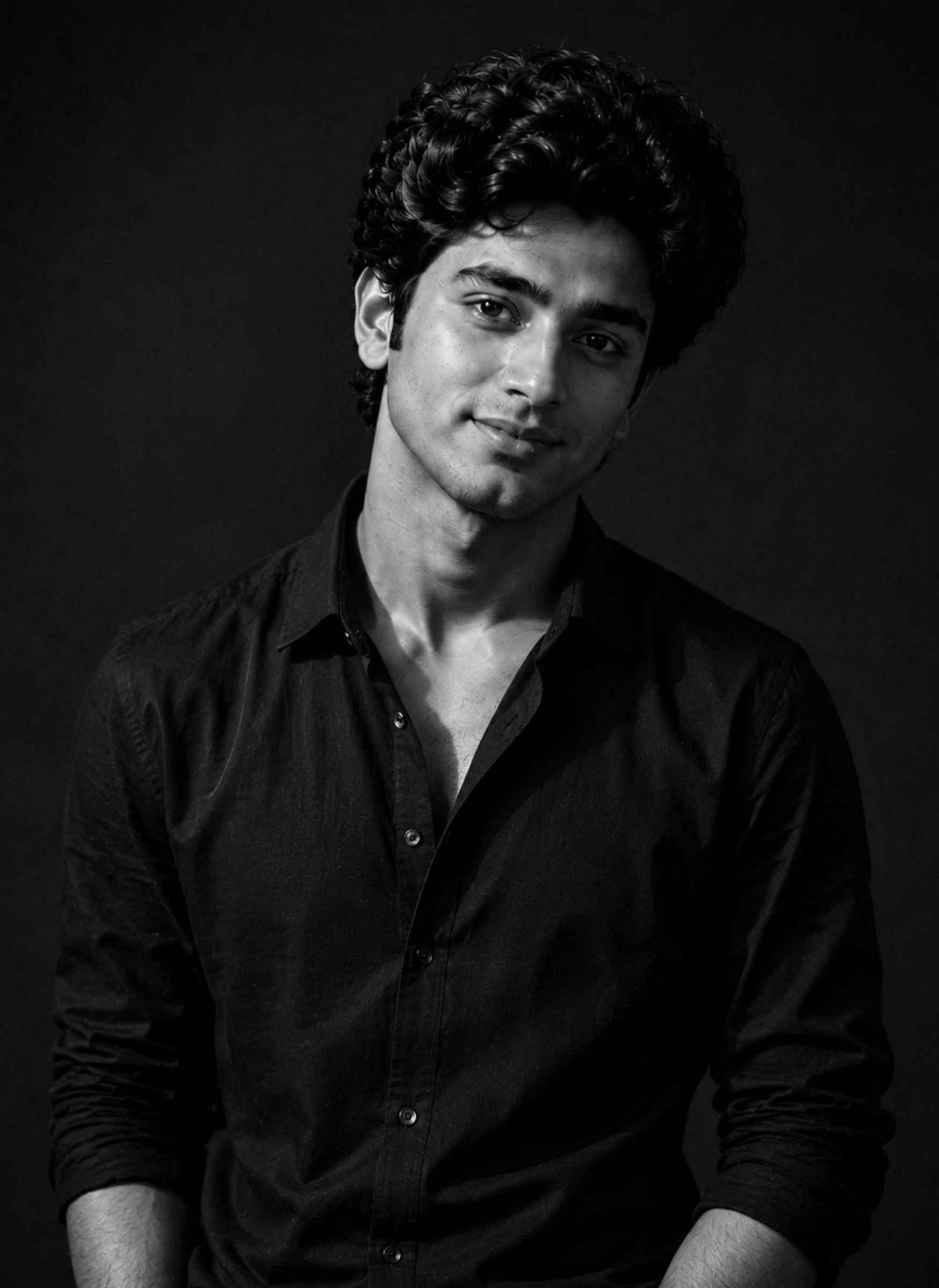
ChatGPT Couple Photo Editing Prompts Trending Instagram
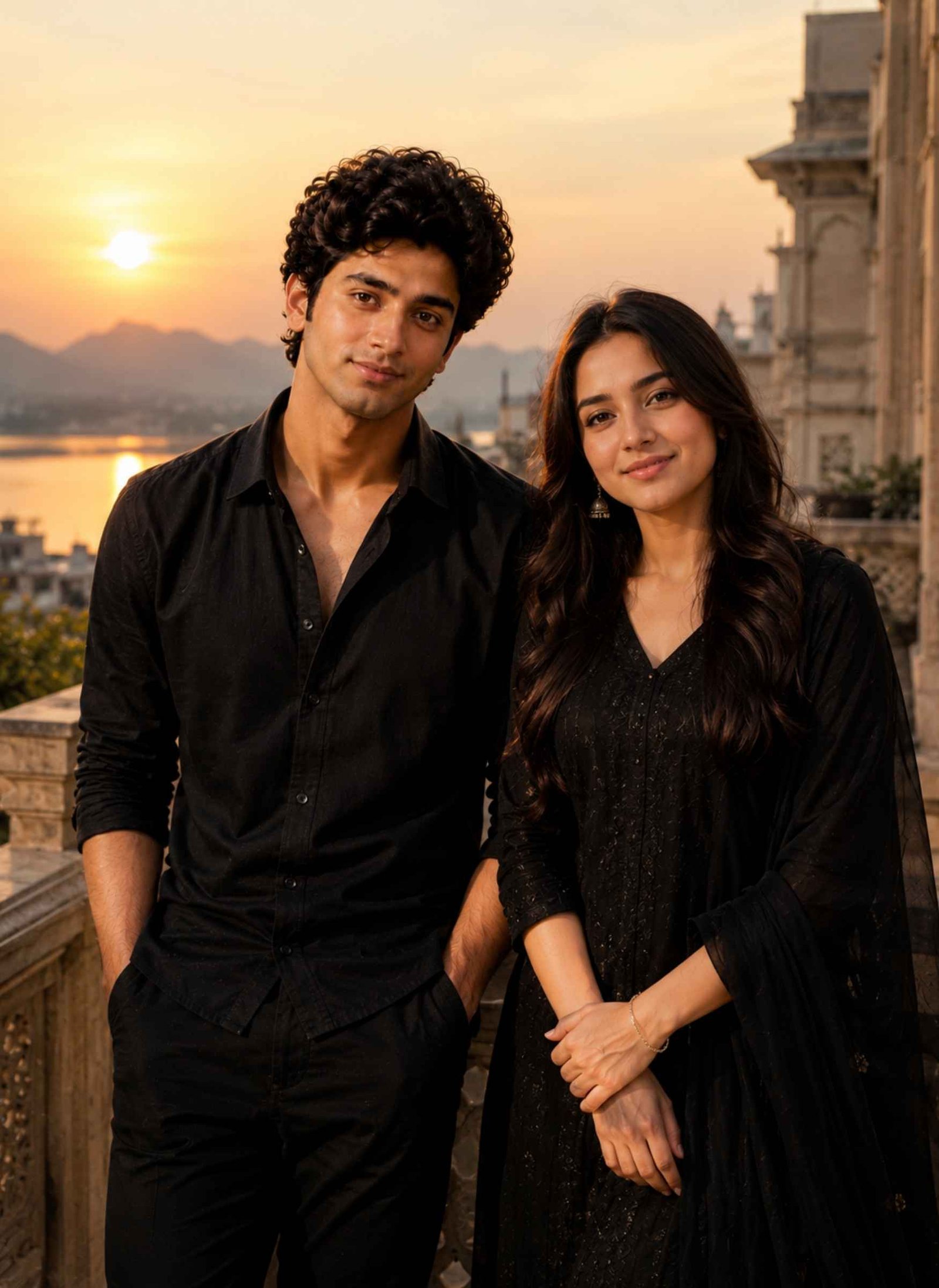
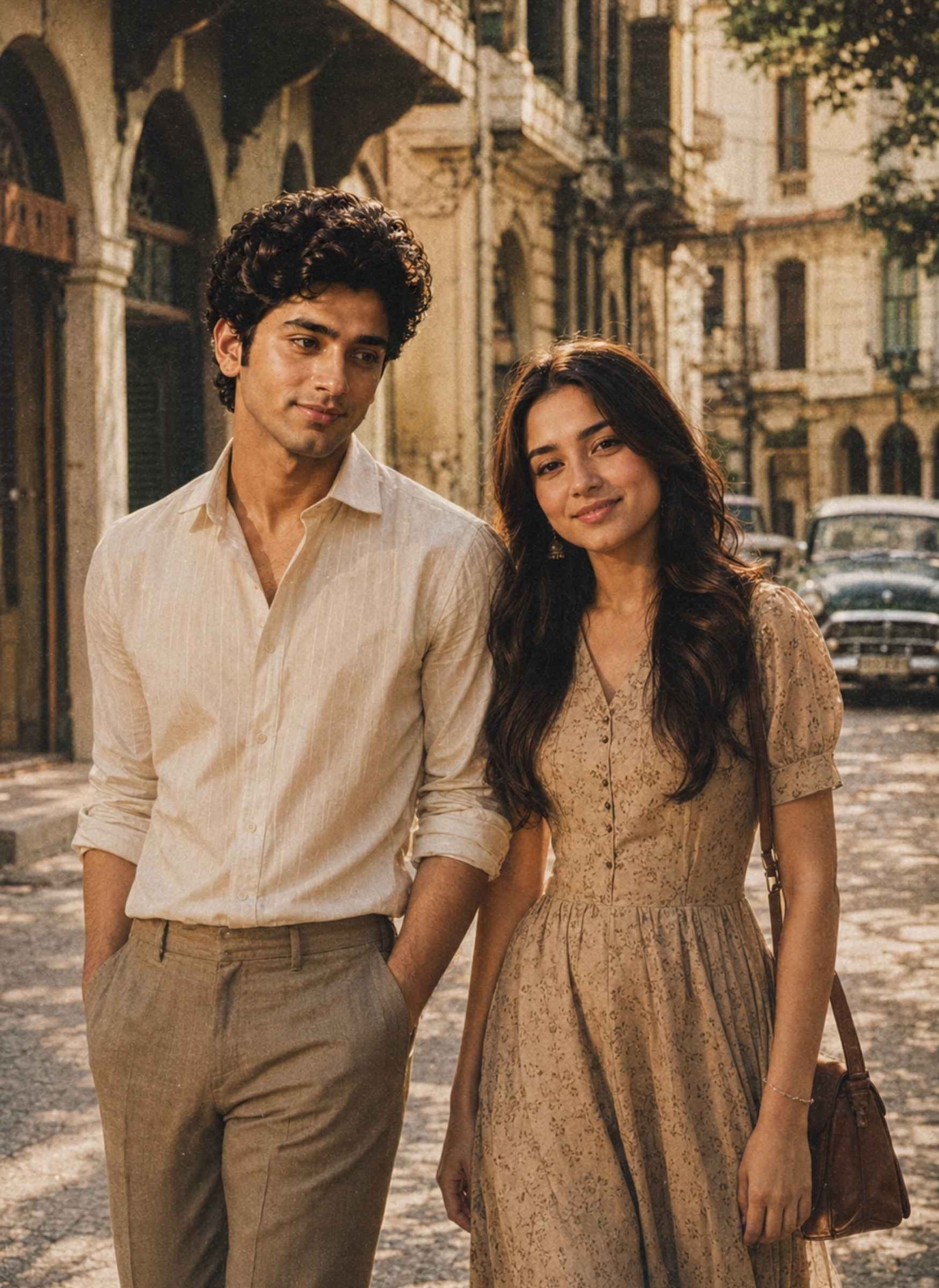
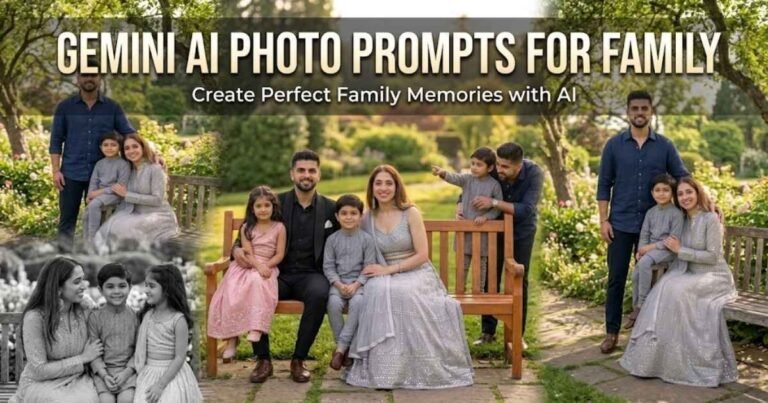
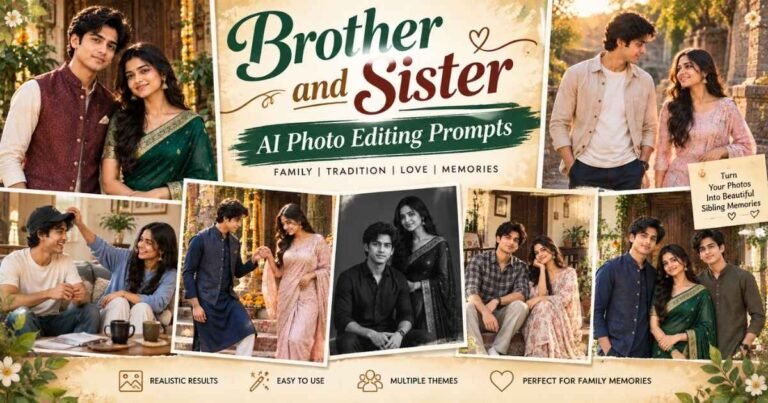
Couple AI photos are another popular way to create creative Instagram posts from reference images. For better results, upload clear photos of both people and tell the AI to treat them as separate identity references instead of blending their facial features.
What Are ChatGPT Photo Editing Prompts Trending on Instagram?
ChatGPT photo editing prompts trending on Instagram are detailed text instructions used to tell an AI image tool how you want a reference photo to be transformed. Instead of manually adjusting lighting, backgrounds, outfits, colors, and photographic effects, you describe the desired result in a prompt.
For example, an Instagram trending AI photo prompt might ask for a cinematic portrait with golden-hour lighting, a vintage film photograph, an editorial fashion shoot, or a moody street scene. When a reference image is supported, the prompt can also tell the AI to preserve recognizable facial characteristics while changing the overall visual style.
The best prompts do more than mention a trend. They clearly describe the subject, clothing, pose, environment, lighting, camera feel, mood, and realism. This gives the image model more context about the result you actually want.
How to Create Trending Instagram Photos With ChatGPT
You can use the prompts above as starting points and adjust them according to your photo and preferred style.
- Choose a clear, high-quality reference photo where your face is visible and well lit.
- Open ChatGPT with an image generation or photo editing feature available to you.
- Upload your reference photo. For a couple image, upload clear references for both people.
- Copy your preferred Instagram trending photo prompt from above and paste it with the uploaded image.
- Generate the photo and inspect the face, hair, hands, clothing, background, and body proportions.
- If a detail looks incorrect, give a specific correction such as “fix the fingers while keeping the face and composition unchanged.”
- Once satisfied, prepare the image in the crop or aspect ratio that works best for where you plan to post it on Instagram.
You do not need to use every detail exactly as written. Changing the outfit, background, lighting, or mood is an easy way to make a popular style feel more personal.
How to Write a Good Instagram Trending Photo Prompt
A useful Instagram photo prompt should give the AI enough visual information to understand both what should remain unchanged and what should be transformed.
A simple formula is:
Identity + Subject + Outfit + Pose + Background + Lighting + Photography Style + Realism
For identity, tell the AI to use the uploaded photo as a reference and preserve recognizable facial characteristics. Then explain what the person should wear and what they should be doing.
Next, describe the setting. Instead of simply writing “nice background,” specify something visual, such as a city street at night, a traditional Indian courtyard, a minimalist studio, or an outdoor location during sunset.
Lighting also changes the entire mood of an AI image. Golden-hour sunlight creates a different result from dramatic studio lighting, soft window light, or neon street illumination.
Finally, specify photographic qualities such as realistic skin texture, natural proportions, accurate hands, shallow depth of field, film grain, or editorial photography. These instructions help communicate that you want a photographic result rather than an illustration.
Popular Instagram AI Photo Styles to Try
A new photo trend on Instagram prompt does not have to follow one fixed aesthetic. Trends change quickly, so it is more useful to understand the visual styles behind them.
Cinematic portraits use controlled lighting, depth, shadows, and color grading to make an ordinary portrait feel like a frame from a film.
Golden-hour photos use warm sunlight and soft background blur for a natural, flattering look. They work particularly well for outdoor portraits and couples.
Retro and vintage edits use film grain, faded colors, older fashion influences, and nostalgic environments to recreate the feel of analog photography.
Street photography focuses on candid poses, urban environments, city lights, reflections, movement, and realistic environmental details.
Fashion editorial photos usually have cleaner compositions, sophisticated outfits, controlled poses, and premium lighting inspired by professional campaigns.
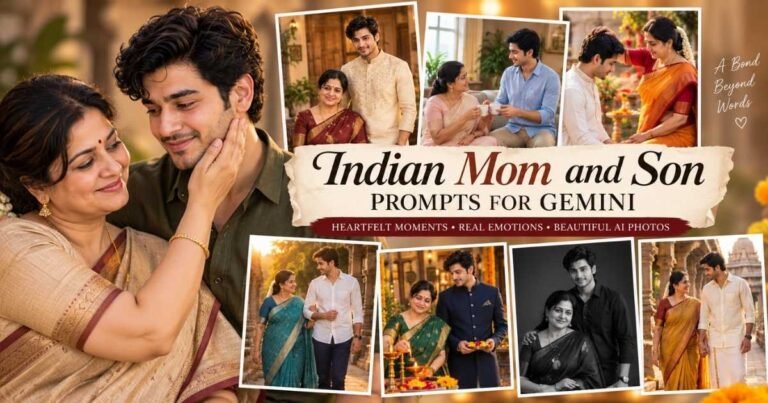
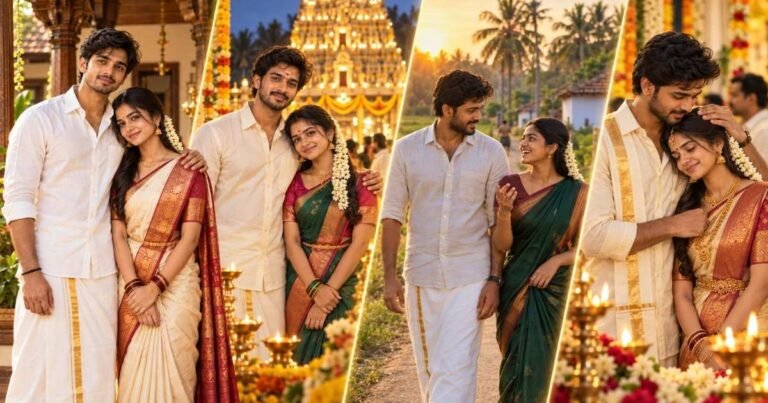
Traditional Indian portraits combine festive clothing, jewellery, architecture, flowers, diyas, and warm lighting to create culturally recognizable visual scenes.
Profile and milestone posters combine portraits with graphic-design elements. For these edits, it is often better to generate the visual composition first and add exact usernames, follower counts, or other typography afterward.
If you want to explore a specific direct-flash aesthetic, you can also check out our Instagram Flash Filter AI Photo Editing Prompt guide for a complete copy-paste prompt.
How to Keep Your Face Realistic in AI-Edited Photos
One of the most common problems with a trending prompt in Instagram AI photo editing is that the generated person may look attractive but no longer closely resembles the reference image.
Start with a clear source photo. Avoid heavily filtered images, extreme angles, very dark lighting, sunglasses, or objects covering important facial features when possible.
Your prompt should explicitly tell the model to use the uploaded photo as an identity reference and preserve recognizable features such as the face shape, eyes, hairstyle, complexion, and facial proportions.
Avoid giving the AI instructions that conflict with the reference. For example, if identity preservation matters, unnecessarily changing the person’s age, face shape, eye structure, or other defining facial characteristics can make consistency more difficult.
For couple photos, clearly identify the two uploads as separate people. This reduces the chance of facial characteristics being mixed between them.
Even with a strong prompt, results can vary between generations and image models. If the face changes too much, regenerate the image or ask for a targeted correction rather than assuming any prompt can guarantee a perfect identity match.
Common AI Photo Editing Problems and How to Fix Them
- Face looks different: Strengthen the identity-reference instruction and use a clearer source image. Avoid unnecessary instructions that alter facial characteristics.
- Hands or fingers look unnatural: Ask for anatomically correct hands and fingers, then inspect interactions with objects carefully. If only the hand is wrong, request a correction without changing the rest of the composition.
- Skin looks plastic: Ask for authentic skin texture, natural pores, subtle imperfections, and realistic photography instead of excessive beauty retouching.
- Background is too busy: Reduce the number of background elements and ask for a clean composition with shallow depth of field.
- Clothing looks inconsistent: Describe the exact type, material, color, and important details of the outfit instead of using vague terms such as “stylish clothes.”
- Poster text is misspelled: Generate the visual poster without complicated typography and add important text afterward using a design or image editing tool.
Small targeted corrections usually work better than replacing the entire prompt after every generation.
Choosing the Right Image Format for Instagram AI Photos
The best format depends on how you intend to use the generated image. A vertical composition gives the AI more room for full or three-quarter body portraits and is useful when you want a portrait-oriented post. Square compositions can work well for centered profile-style portraits, while wider images are more suitable when the environment is an important part of the scene.
It is helpful to think about the final crop before generating the image. Keep important details—especially the face, hands, outfit, and main subject—away from the extreme edges so they are not accidentally removed when you prepare the photo for Instagram.
If the original AI result has extra background space, crop it afterward rather than forcing every composition into the same format.
ChatGPT vs Other AI Tools for Instagram Photo Editing
ChatGPT is useful when you want to combine conversational instructions with image generation or editing. You can start with one of the prompts above and then request specific changes to the result, such as adjusting the lighting, changing an outfit, simplifying the background, or correcting a detail.
If you’re also exploring Google’s AI tool, check out our Gemini AI Photo Prompt guide for more copy-paste options.
The same general prompt concepts can also be adapted for other AI image generators that accept text instructions and reference images. However, prompt interpretation, identity consistency, editing controls, and output quality can vary between tools.
For that reason, treat these prompts as flexible instructions rather than commands that will produce an identical result across every AI platform.
3 Comments